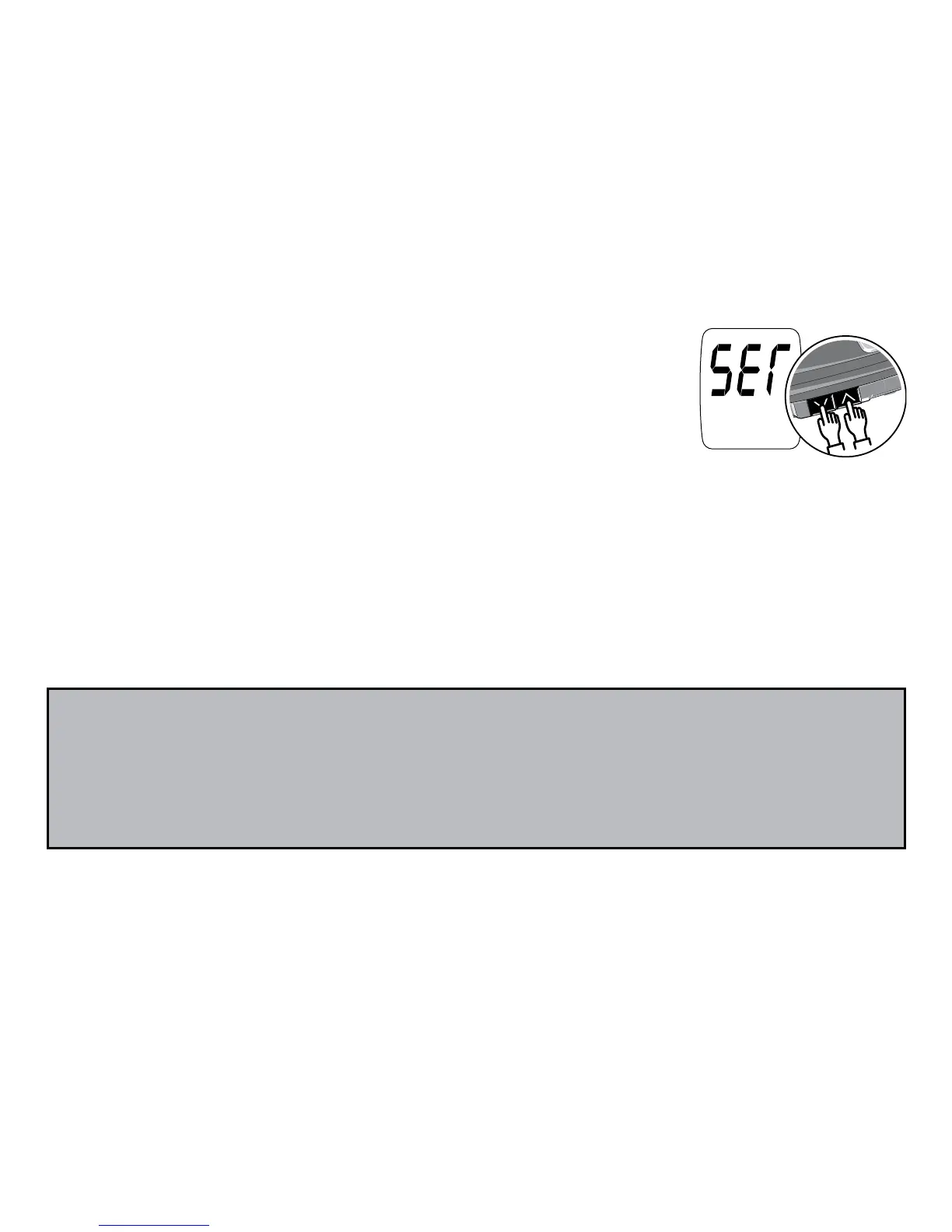
Step 2: Press the Up Arrow and Down Arrow buttons
at the same time for 5 seconds. A beep sounds and
the meter turns on. Next, a second beep sounds and
“SET” shows on the screen.
14
Step 3: Use the Up Arrow to change the set-up screen. When you press
the Up Arrow, the set-up screen changes in the order shown in the dia-
gram on the following page. Press the Down Arrow button to change a
setting within a set-up screen menu.
Note: If you need to go back to a setting, you must scroll through each
set-up option. You cannot go backwards in set-up mode.
In set-up mode, the meter will turn off automatically after 3 minutes of
non-use.



 To Next Page