16
Setting the Audible Beep
If the audible beep is turned “on”, the beep will sound when:
•Youinsertateststripintothemeter.
•Youapplybloodorcontrolsolutiontoateststrip.
•Thetesthasendedandtheresultisdisplayed.
•Themeteristurnedon,butyoudonotuseitforseveralminutes.
Meter will beep and automatically shut off.
•YougointoMemoryMode.
Make sure the meter is off. Press the Up Arrow
and Down Arrow buttons at the same time for
5 seconds. A beep sounds and the meter
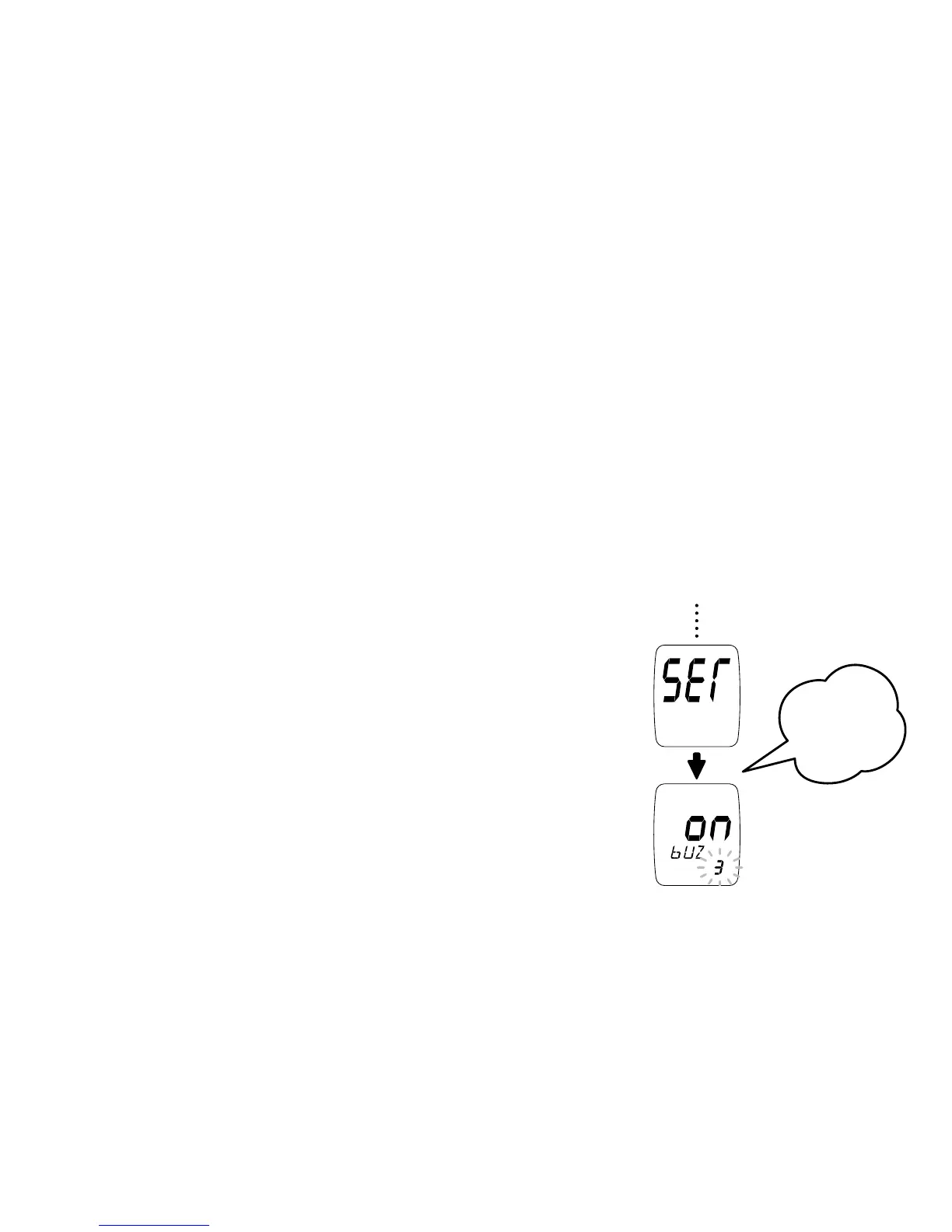
turns on. Next, a second beep sounds and “SET”
shows on the screen.
Press the Up Arrow button. The screen will
display “bUZ” and the current beep setting.



 To Next Page