58
The ReliOn® Confirm blood glucose meter stores up to 360 test results.
When more than 360 test results have been performed, the meter
drops the oldest result each time you add a new result. Before using
the memory, remove test strip from meter and make sure meter is
turned off.
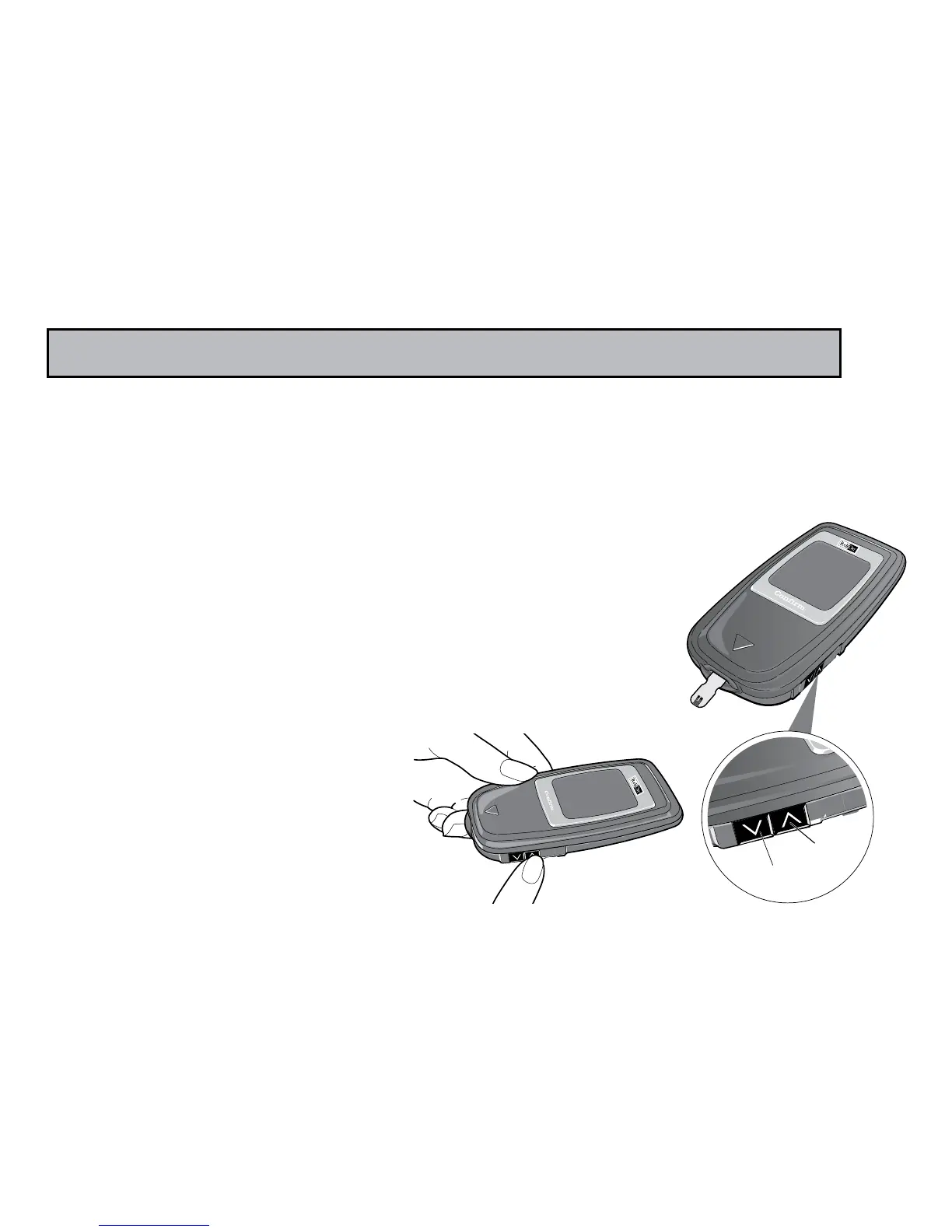
Step 1: Press the Up Arrow button for 2 seconds.
A beep sounds and the test meter turns
on and shows all screen symbols. The meter next
shows the year, date, and time. After 2 seconds,
either the Test Average or the most recent
test result will appear.
RECALLING RESULTS - ENTERING MEMORY MODE



 To Next Page