59
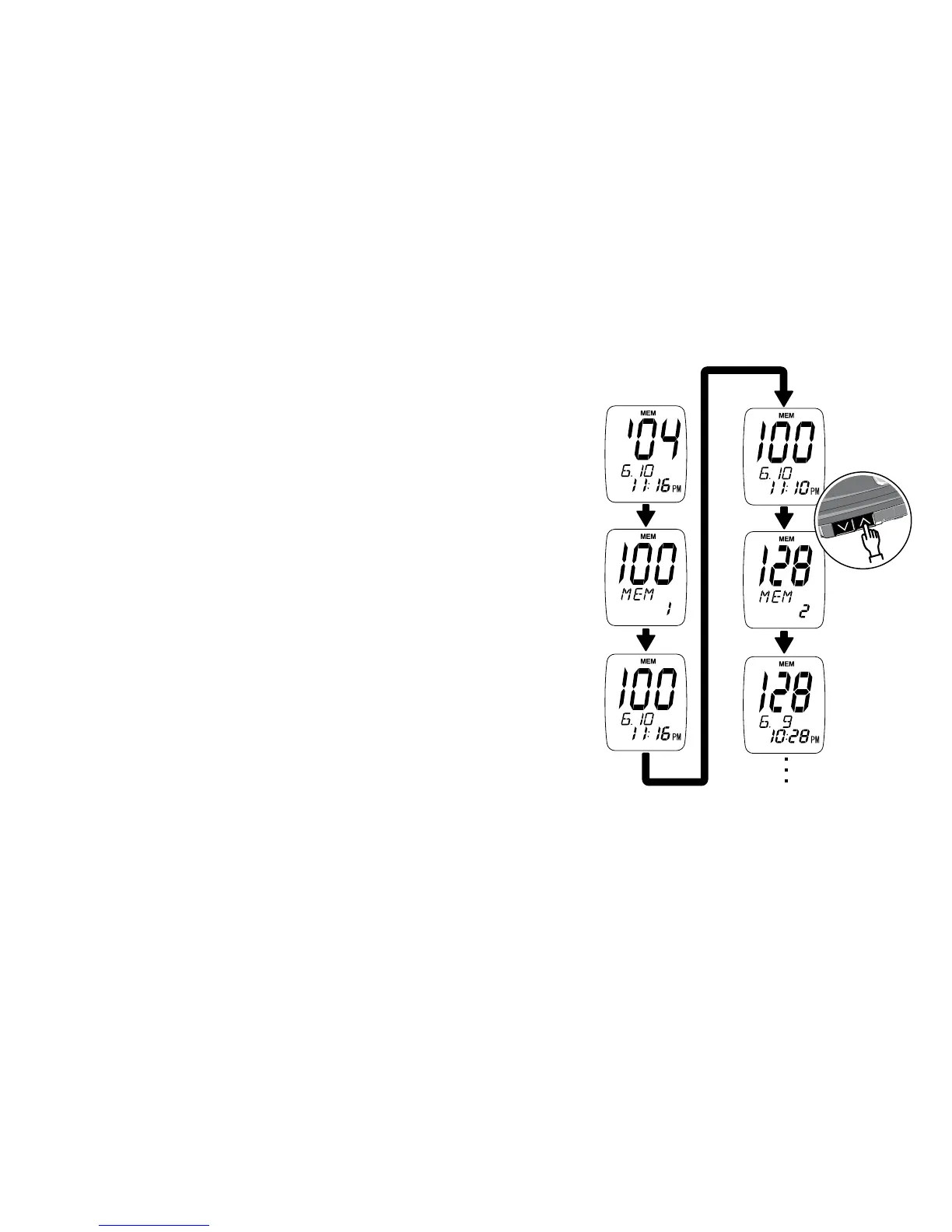
•IfTestAveraginghasbeenturnedon,the
average result will appear first. Either “14d”
or “30d” will show at the bottom of the screen
for either a 14-day or 30-day average. “AVE”
will appear above “14d” or “30d”.
•IfTestAveraginghasbeensetto“Off”,the
display will briefly flash the number “1” at the
bottom of the screen. Then, the most recent
test result appears with the date and time of
the test.
“MEM” will display at the top of the screen.
This shows it is a stored result.
Step 2: Press the Up Arrow button to scroll
through memory. Press and hold the Up
Arrow button to move through the results
quickly. Press the Down Arrow button to
move backwards through results in memory.



 To Next Page