22
Ending Set-up
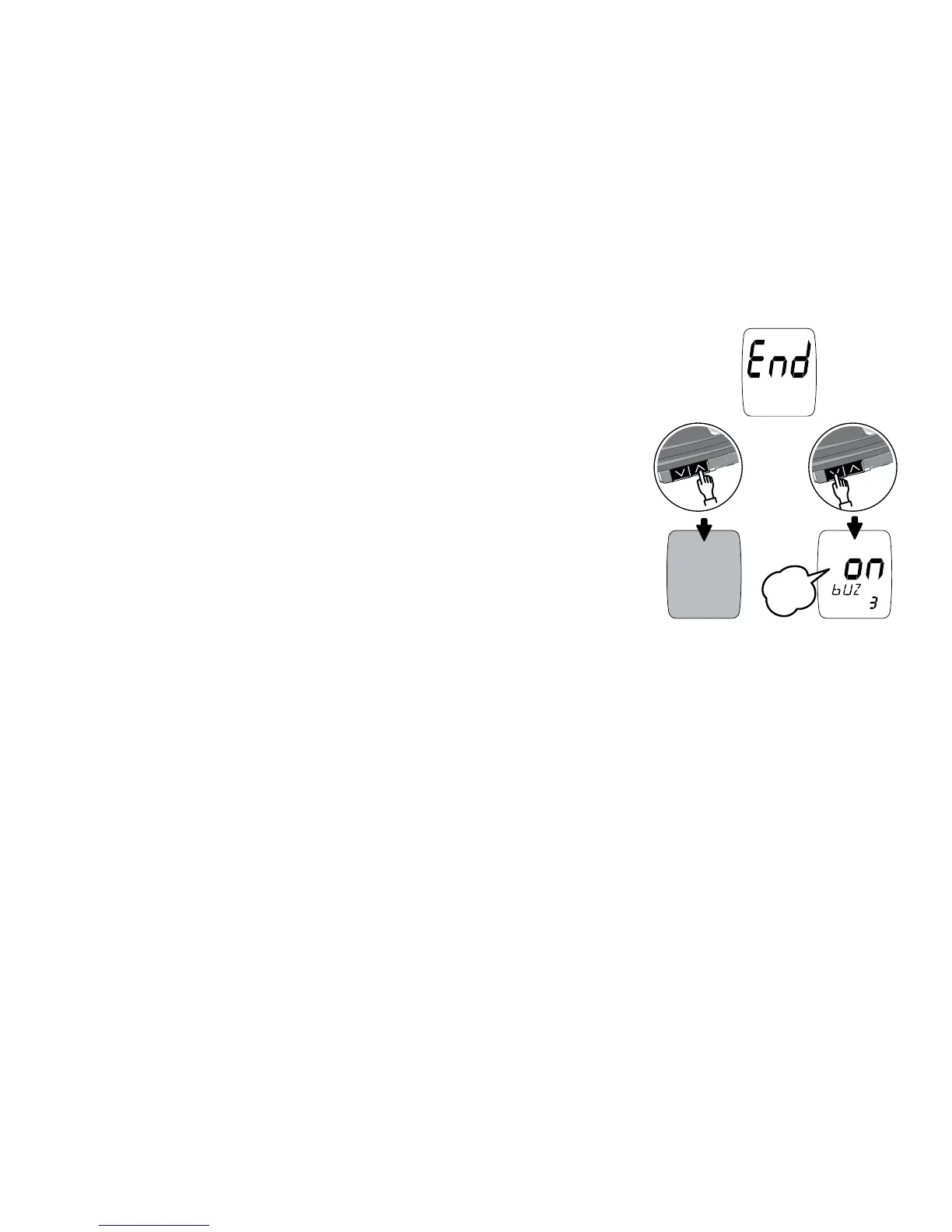
To make further changes to set-up settings, press
the Down Arrow button while “End” is
displayed. This will bring up the Audible Beep
set-up screen. You can then move through the
set-up mode and adjust any settings that you wish.
If you are done with set-up, press the Up
Arrow button while “End” is displayed. This
confirms all settings and turns the meter off.
The meter will turn off automatically 3 minutes after “End” is displayed.



 To Next Page