18
Setting the Year
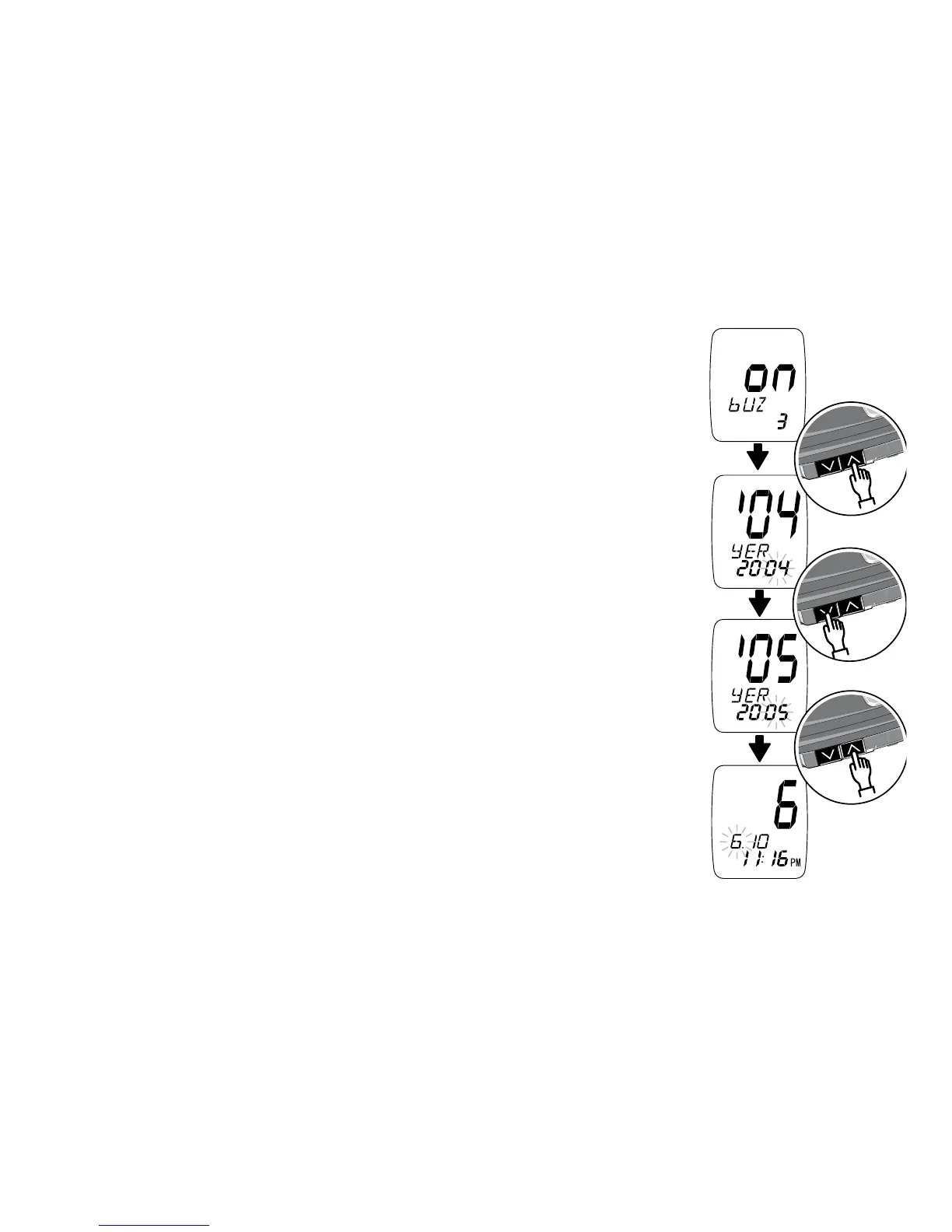
In the year set-up screen, the last two digits of the
currently set year appear at the top of the screen.
“yER” appears in the middle of the screen. All four
digits of the currently set year appear at the
bottom of the screen. The last two digits will blink.
Press the Down Arrow to change the last
two digits of the year to the correct year. After you
set the year, press the Up Arrow button to confirm
the setting. The screen changes to the
month set-up screen.



 To Next Page