20
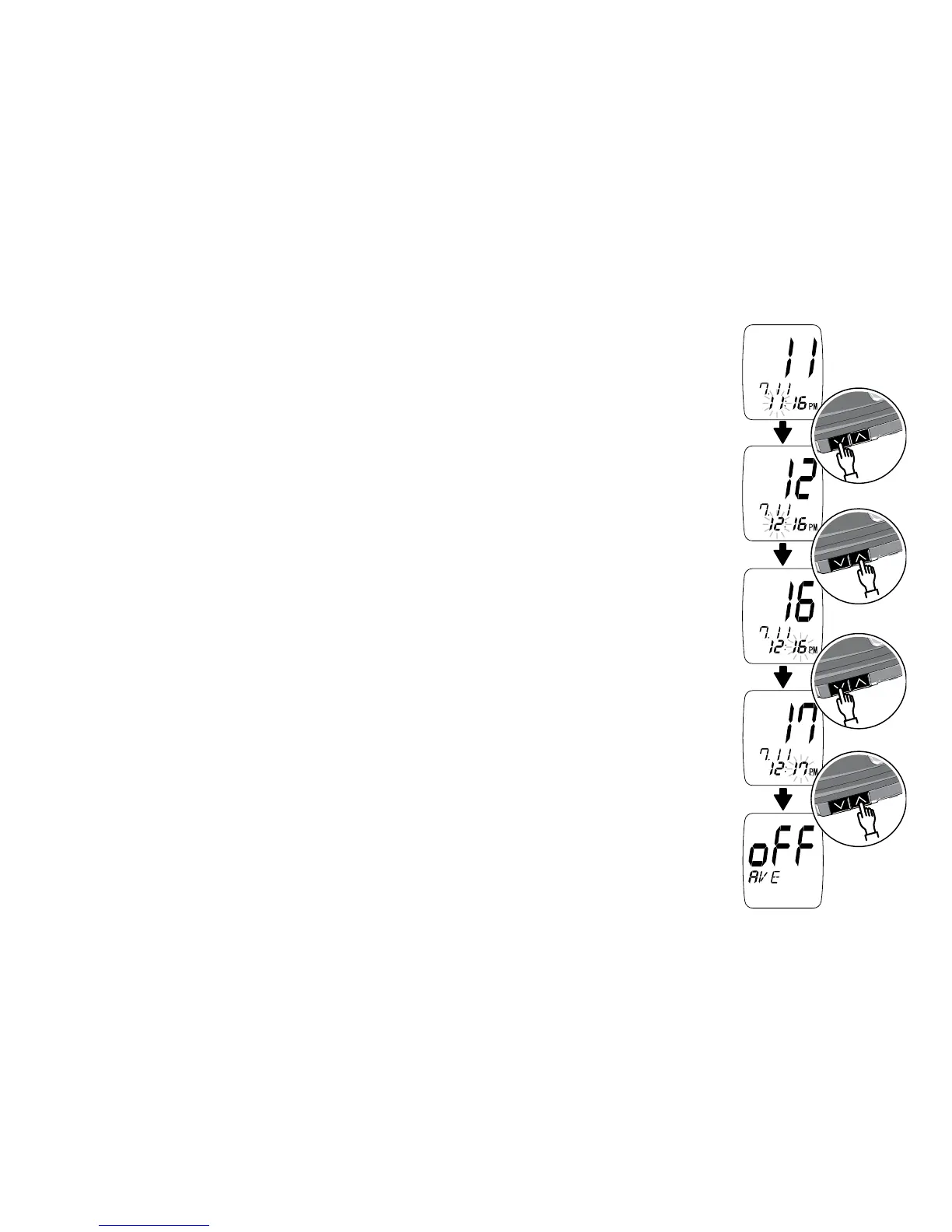
Setting the Hour
Press the Down Arrow button to change the hour.
After you set the hour, press the Up Arrow button
to confirm the setting. The screen changes to the
minute set-up screen.
Setting the Minute
Press the Down Arrow button to change the minute.
After you set the minute, press the Up Arrow button
to confirm the setting. The screen changes to the
test averaging set-up screen.



 To Next Page