26
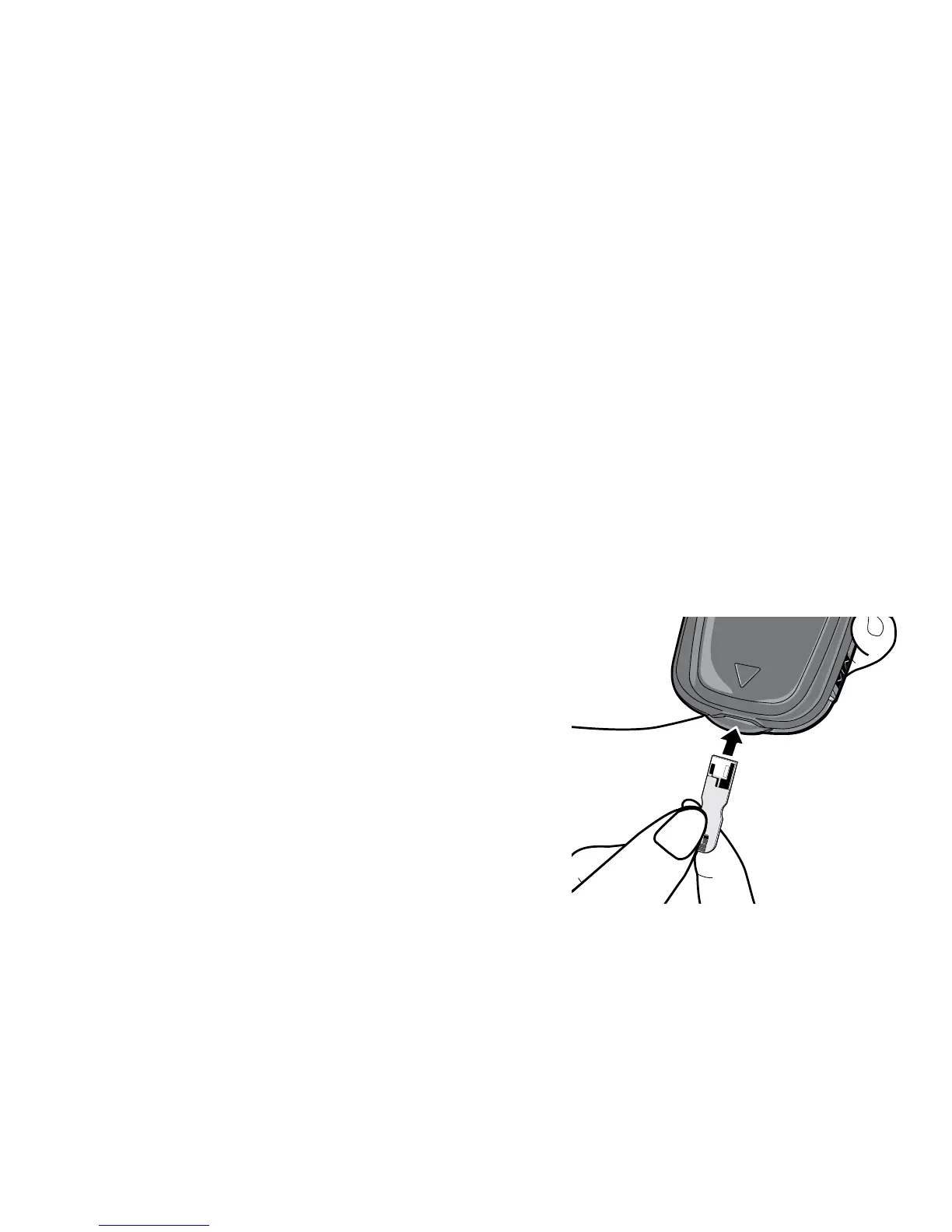
Step 1: Insert a test strip as shown in diagram. Test strip should seat
firmly into meter. The meter will turn on automatically. The full screen
will come on for a moment. Make sure all symbols appear on the
screen (see page 8). The last result will then appear. Then the code
number (F-2, F-3, or F-4) will appear for three seconds followed by the
Apply Blood symbol. Make sure that the code number on the screen
matches the code number on the test strip bottle. If screen code does
not match the test strip code, use a new test strip. If code still does
not match, use a new bottle of test strips or call Customer Service at
800.631.0076 (24 hours a day, 7 days a week).



 To Next Page