19
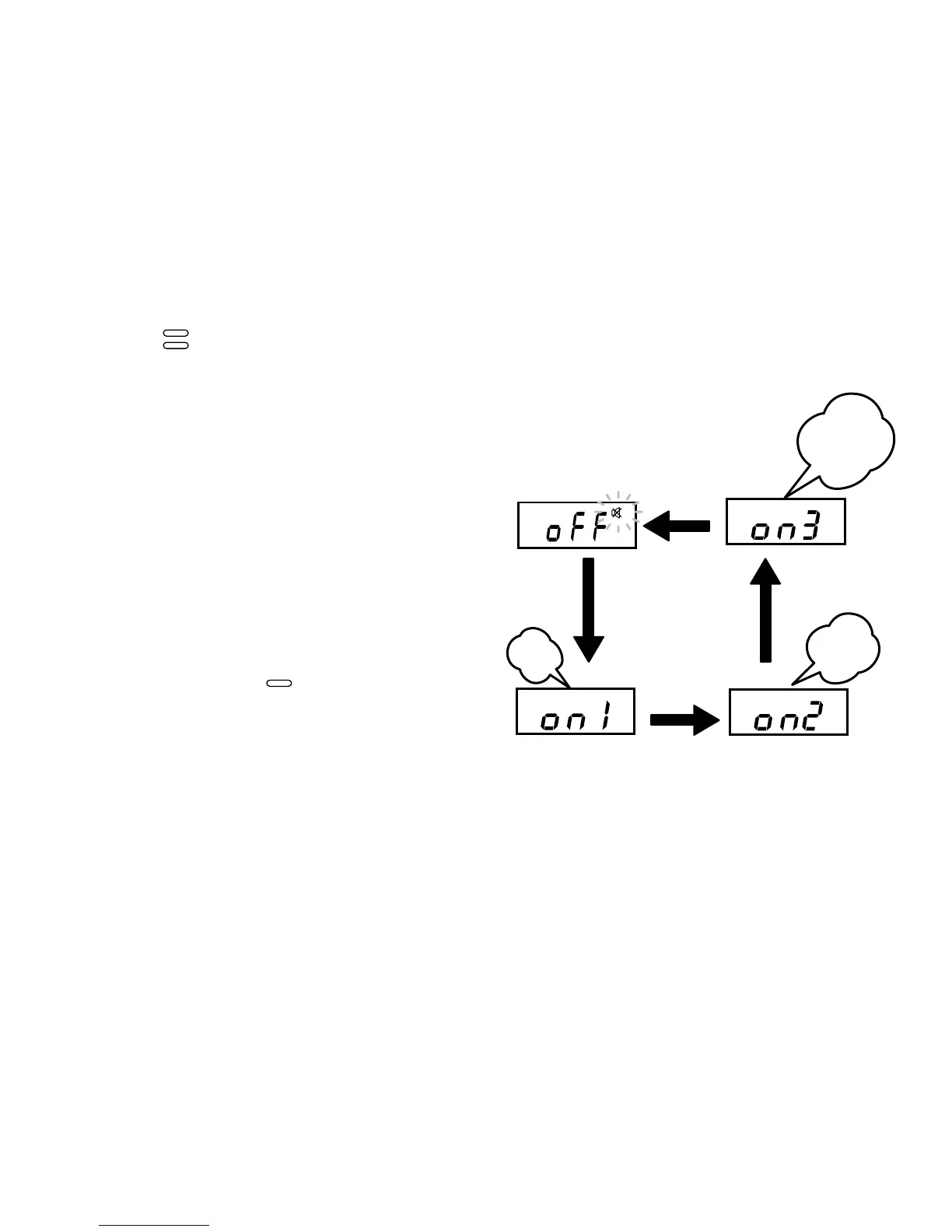
Press the button to cycle through the volume levels:
“OFF” (no sound)
”on 1” (low)
“on 2”(middle)
“on 3” (high)
“OFF” (no sound) …, etc.
A beep sounds at the set volume
at each step. If “OFF” is set, the
“audible beep mute (Off)” symbol
lights up in the upper right of the
screen. After you select the beep
volume, press the button to
confirm the setting. The screen
changes to the year set-up screen.



 To Next Page