24
STEP 7:
TREATMENT TRACKING
When your treatment session is nished,
you can record your treatments using
either the Treatment Cards (at the
end of this Use and Care Guide) or the
iLIGHT
®
Device Treatment Tracker Mobile
Application (www.iLIGHT.com/mobile-
app). The Session Flash Counter is located
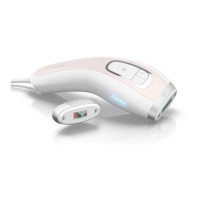
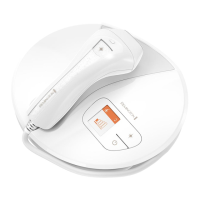
on the Display Screen and will indicate the
number of ashes used for that session.
The Session Flash Counter resets to zero
each time you power o, so be sure to
record the ashes prior to turning o
the device.
WARNING: DO NOT ash the device on
the same treatment spot multiple times
during the same session, as this could
cause skin swelling, temporary blisters, or
could change the color of your skin.
Note: If either the Hand Piece or Base Unit
becomes too warm, an icon will appear
on the Display Screen, and the device will
beep once. Do not turn o the device. Wait
for a few minutes to allow the device to
cool down. A two-tone beep will indicate
the unit has cooled and is ready to ash.
Then, turn o the device by pressing the
Power Button.


 To Next Page
 Loading...