1.6
“HANDS-FREE” CARD: use (1/4)
There are two ways to unlock/lock the
vehicle:
– the card in “hands-free” mode;
– the card in remote control mode.
Do not store the card anywhere it
may come into contact with other
electronic equipment (computer,
phone etc.) as this could hinder its
operation.
Driver’s responsibility
when parking or stopping
the vehicle
Never leave an animal,
child or adult who is not self-suffi-
cient alone in your vehicle, even for
a short time.
They may pose a risk to themselves
or to others by starting the engine,
activating equipment such as the
electric windows or locking the
doors, for example.
Also, in hot and/or sunny weather,
please remember that the tempera-
ture inside the passenger compart-
ment increases very quickly.
RISK OF DEATH OR SERIOUS
INJURY
Using the card in “hands-
free” mode
In “hands-free” mode, it is possible to
lock/unlock the vehicle without using
any of the card buttons, as long as the
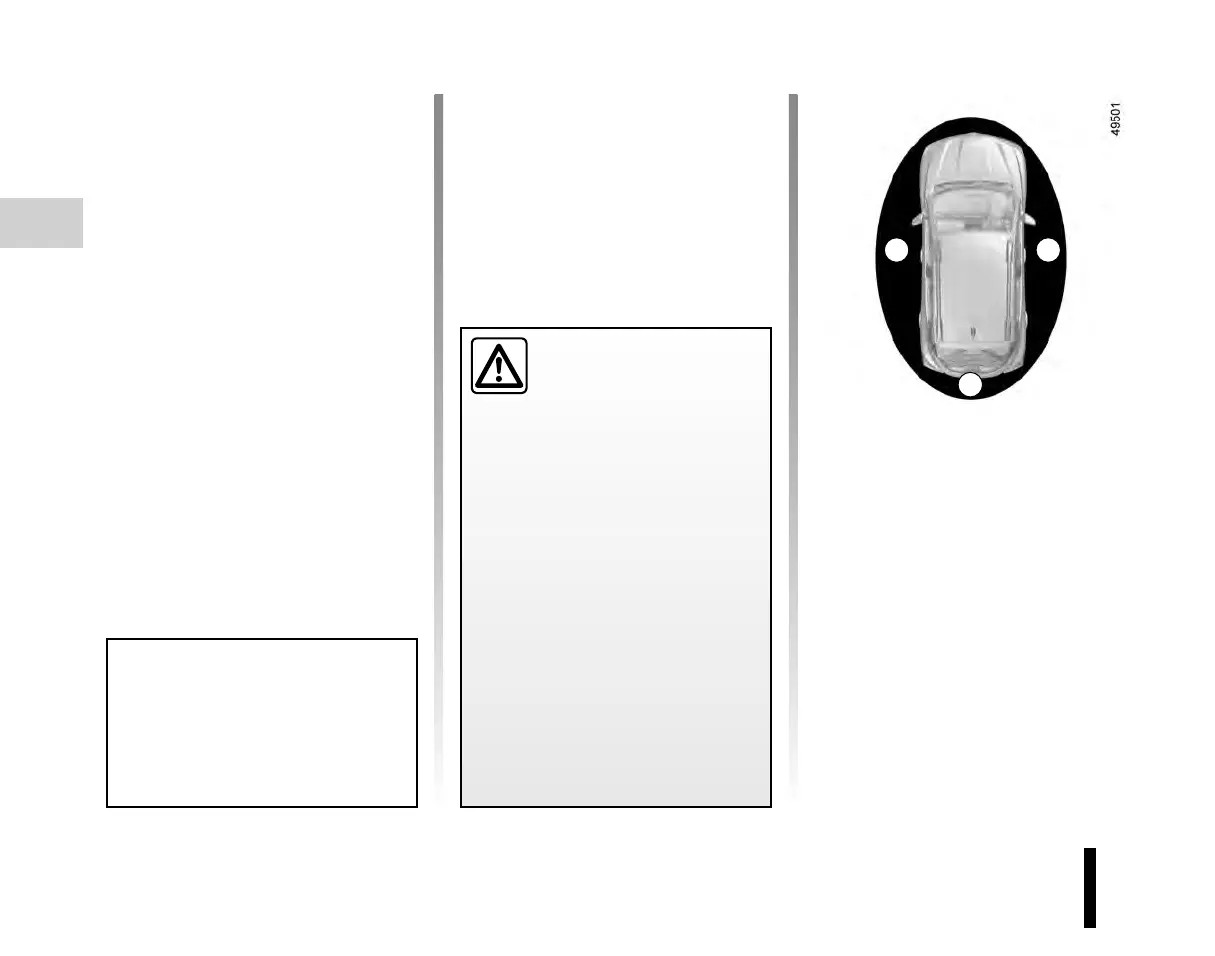
card is within the access zone 1.
Note: if the vehicle has not been used
for more than 8 days, the hands-free
system switches to standby. To reacti-
vate it, press the unlocking button on
the card.
1
1 1











 To Next Page