2.19
AUTOMATED MANUAL TRANSMISSION (2/4)
Operation
Switch on the ignition.
The display on the instrument panel
switches on.
If neutral (N) is displayed, start the
engine but do not press the accel-
erator.
If any gear other than neutral is en-
gaged, N flashes on the display; press
the brake pedal and place the lever in
position N. Start the engine.
NB:Do not attempt to start the engine
by pushing the vehicle if the battery is
flat (the display remains OFF when the
ignition is switched ON).
Under certain conditions, the engine
starter may take some time. Keep the
key in the starting position.
Starting
Moving forwards (starting in neutral)
The gear display shows Neutral
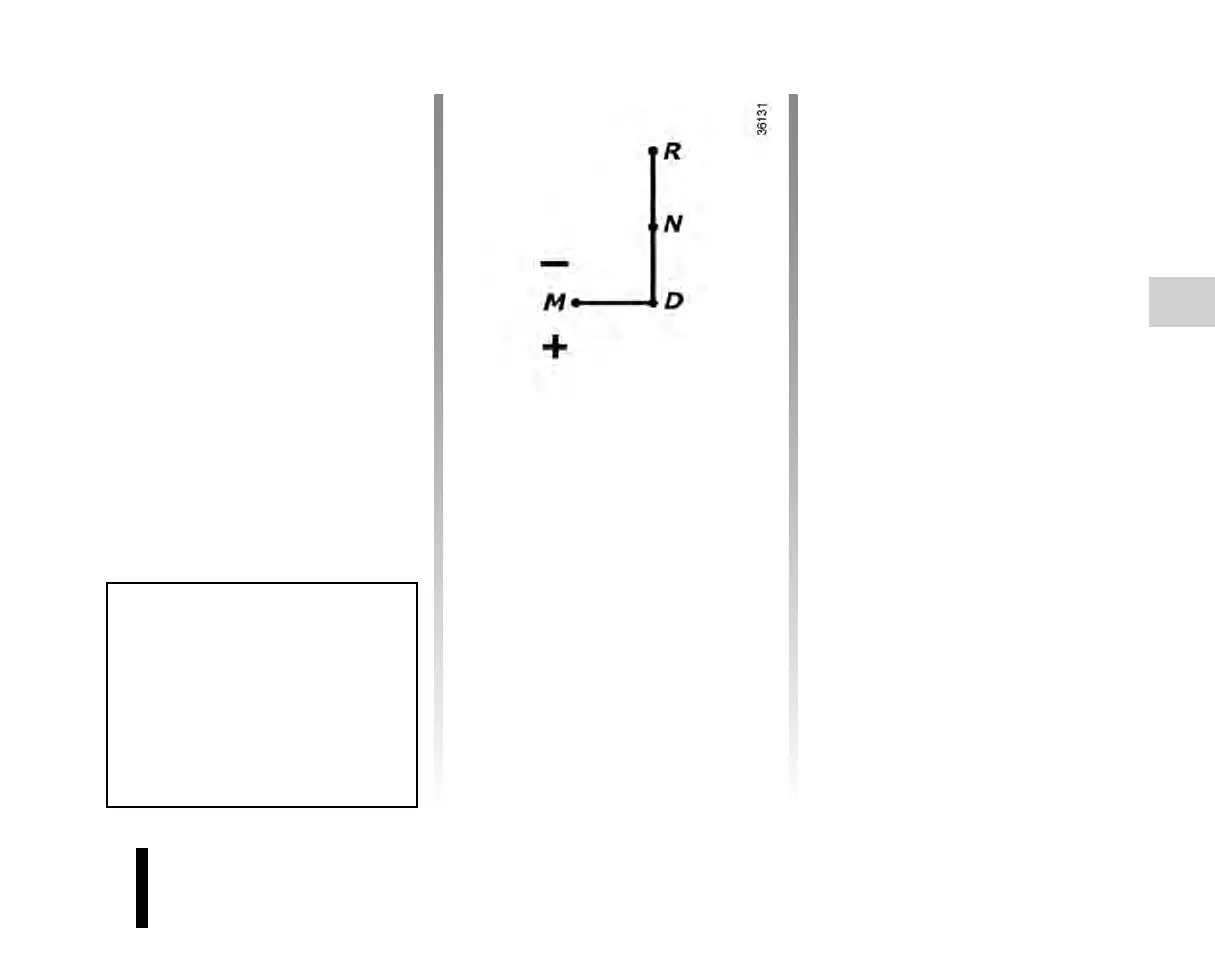
With the brake pedal pressed, posi-
tion the selector lever to D.The letter A
(Automatic) appears on the cluster.
Release the brake pedal:
– The engine’s idle speed is suffi-
cient for parking manoeuvres.
– Accelerate gently to move for-
wards.
Reverse gear (from neutral, with the
vehicle stationary)
With the brake pedal pressed, posi-
tion the selector lever to R. The letter R
appears on the display.
Release the brake pedal:
– The engine’s idle speed is suffi-
cient for parking manoeuvres.
– Accelerate gently to reverse.
There is a beep when reverse gear is
engaged.
You may shift from reverse gear to a
forwards gear by pushing the lever to D
once the vehicle is stationary.
Note: When the vehicle is stationary,
you must depress the brake pedal to
engage a gear. Otherwise, warning
light
Ó will come on.
Once the vehicle is switched to ig-
nition ON position, the gearbox ini-
tializes. This produces a light sound.
This is normal. Crank the engine
after 3 seconds.












 To Next Page