30
III-2. Save Settings
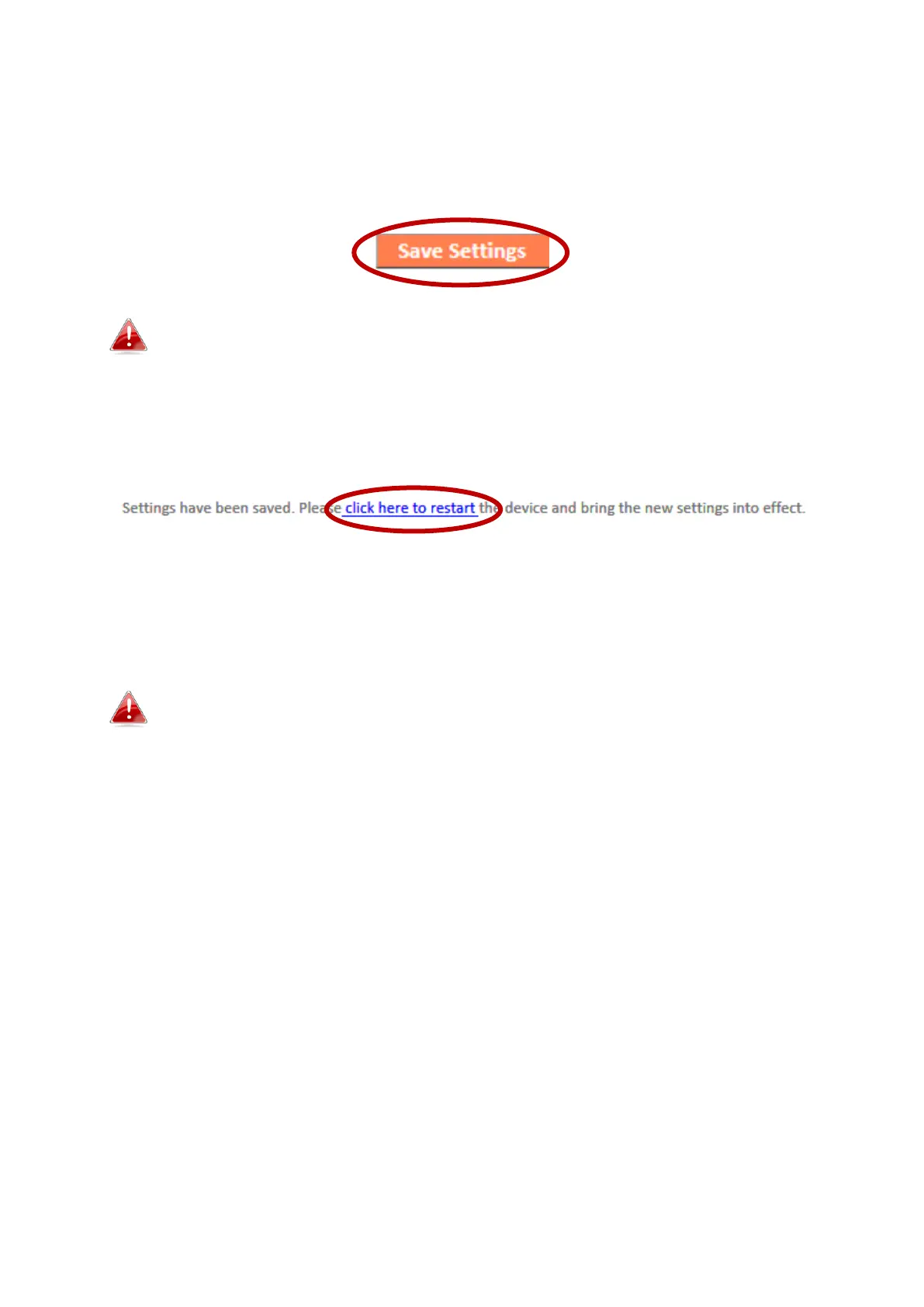
1. After you configure any settings, click the “Save Settings” button at the bottom of the
screen to save your changes.
The device needs to restart in order to bring any changes into
effect.
2. Then, click “Click here to restart” in order to restart the device and bring the changes
into effect.
3. To make several changes at once, use the “Save Settings” button after each change
and then click “click here to restart” after your final change. Only one restart is
necessary as long as each change is saved with the “Save Settings” button.
After you click “click here to restart”, all saved changes will
come into effect.



 To Next Page