75
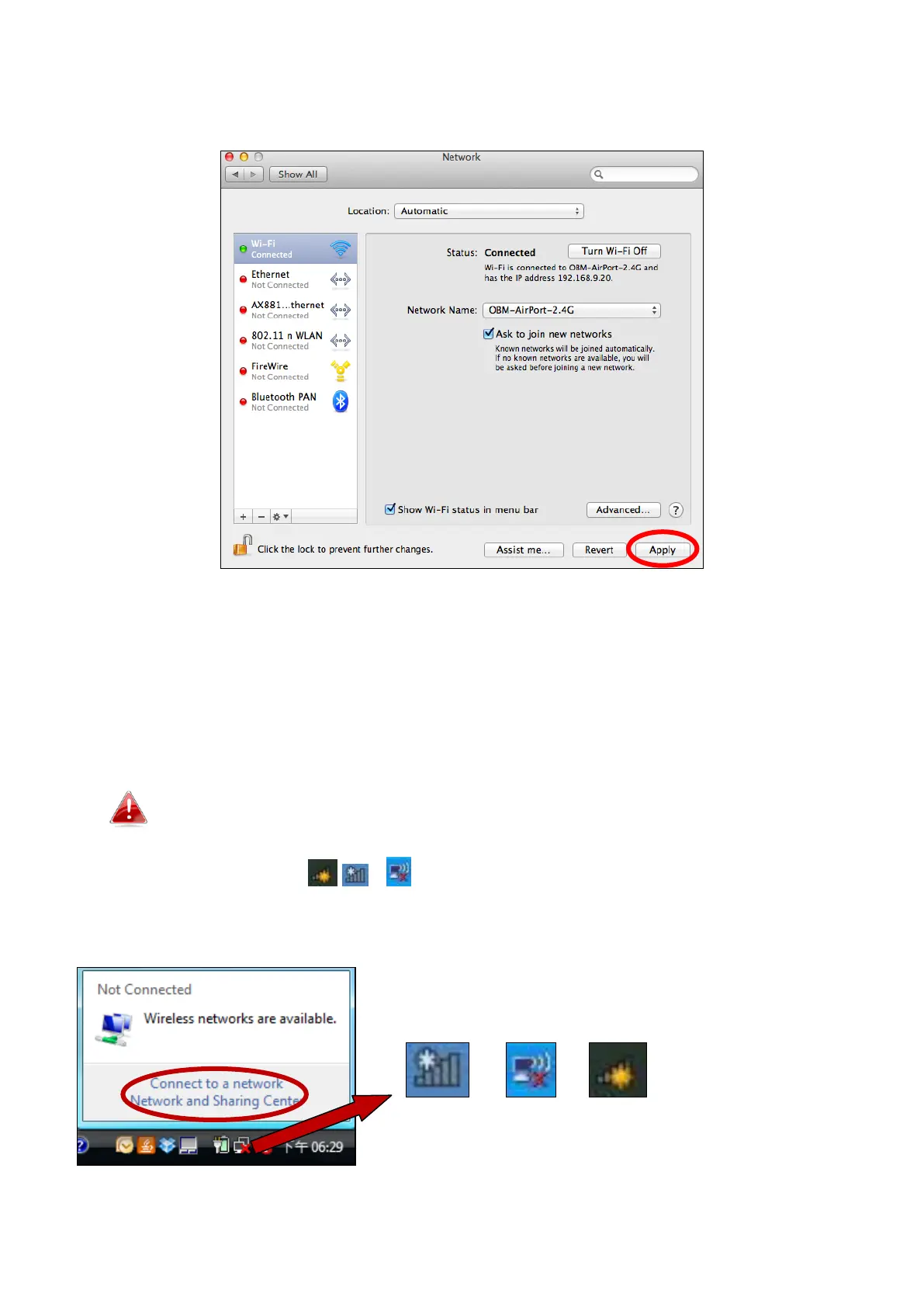
6. Click “Apply” to save the changes.
IV-2. Connecting to a Wi-Fi network
For help connecting to your device’s
renkforce.setup
SSID for initial setup, or to connect to
your device’s new Wi-Fi network (SSID) after setup is complete, follow the guide below:
Below is an example of how to connect using Windows Vista –
the process may vary slightly for other versions of Windows.
1. Click the network icon ( , or ) in the system tray and select “Connect to a
network”.



 To Next Page