31
III-3. Main Menu
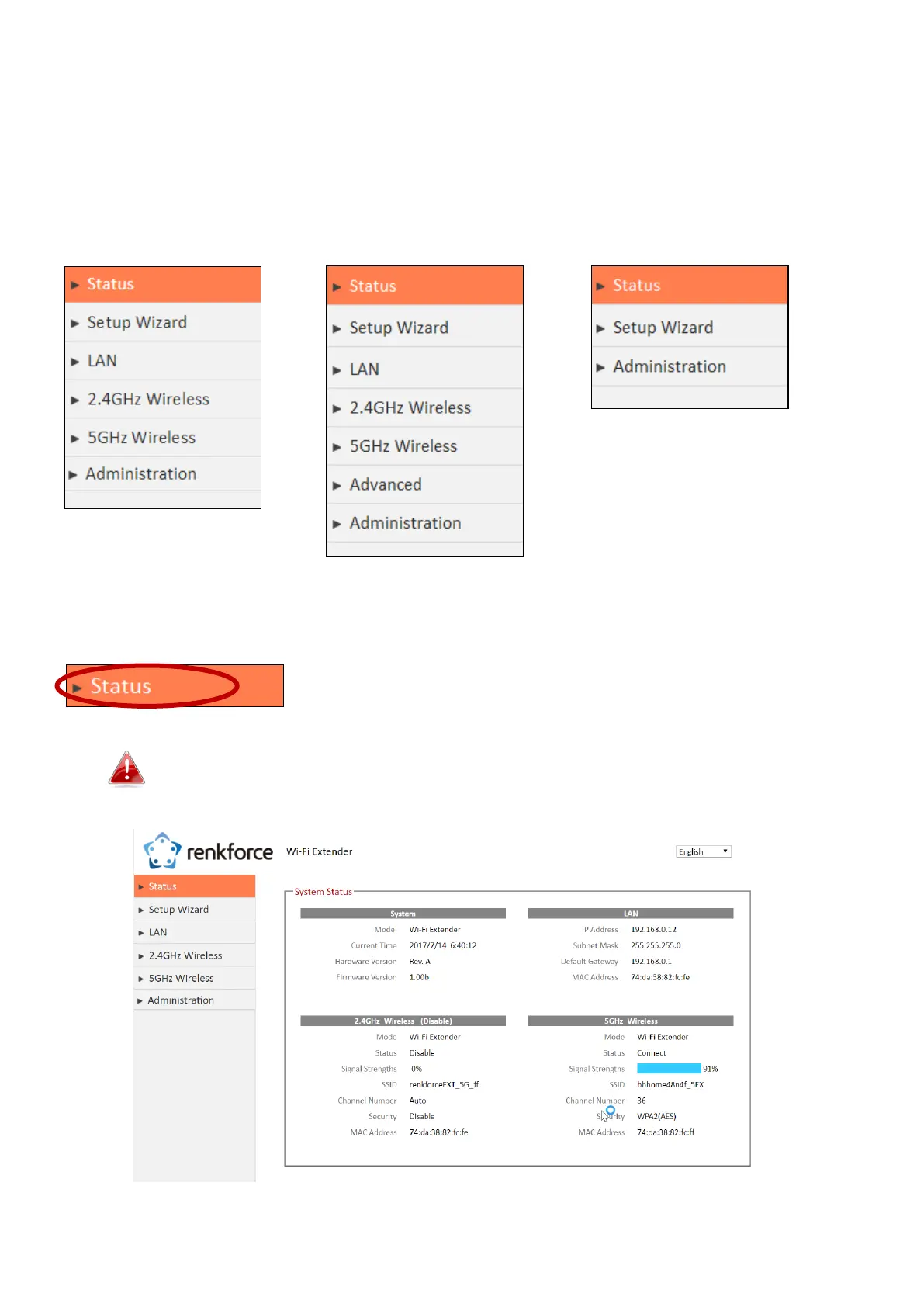
The main menu displays different options depending on your device’s operating mode.
Please refer to the following chapters for guidance on each mode.
III-3-1. Status
The “Status” page displays basic system information about the
device, arranged into categories.
Screenshots displayed are examples.The information shown
on your screen will vary depending on your configuration.



 To Next Page