52
III-3-6. Administration
Various administrative functions can be accessed from the
“Administration” menu.
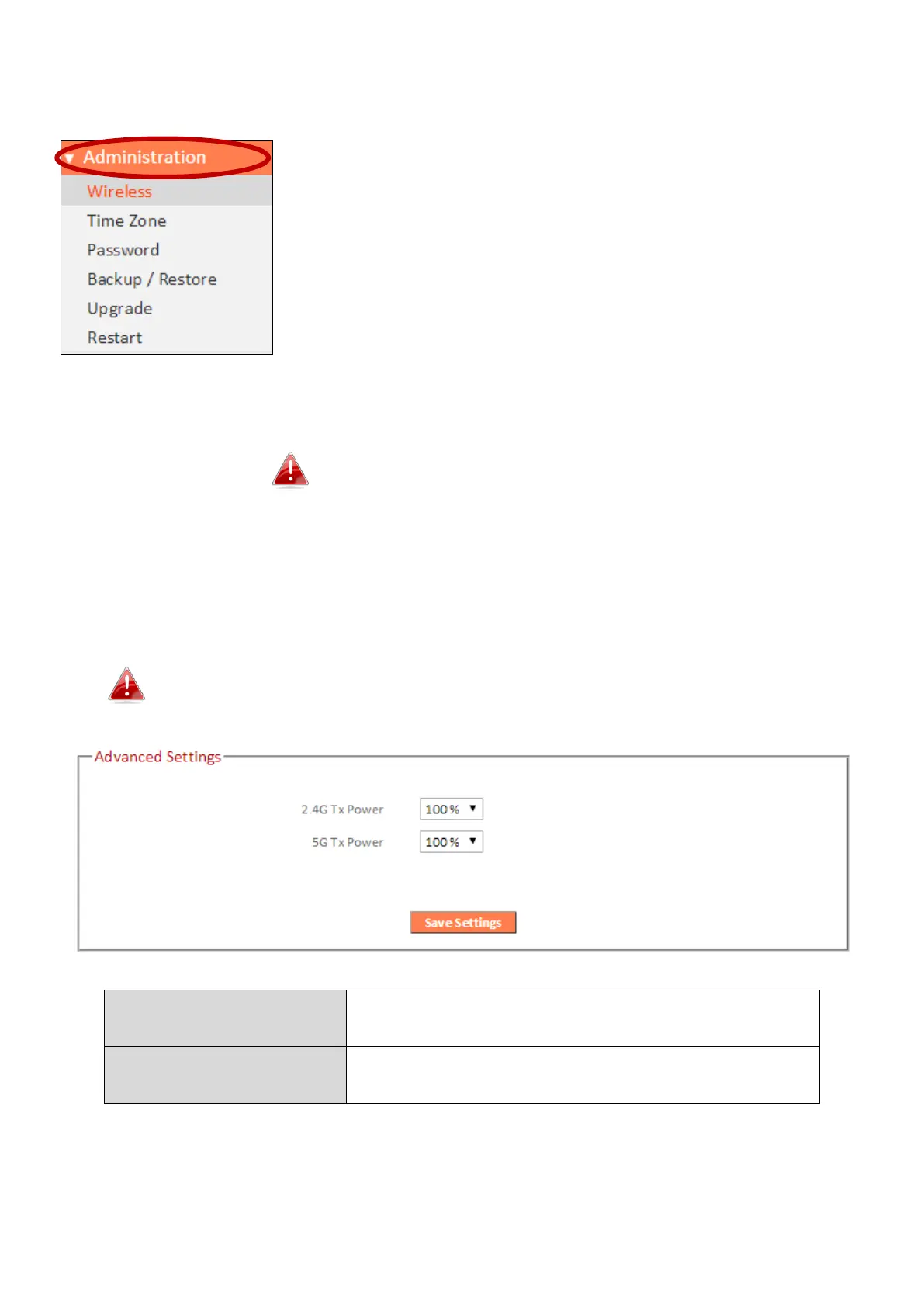
III-3-6-1. Wireless
Range extender mode only
You can adjust the level of wireless output power as a percentage. Depending on the size
of your location and required coverage, you may not require 100% output power.
Reducing the output power can enhance security since your Wi-Fi signal will not extend to
potential malicious/unknown users in distant areas.
Tx power can also be adjusted using the switch on the side of
the device. Refer to I-4. Switch.
Adjust the Wi-Fi output power for the 2.4GHz
frequency.
Adjust the Wi-Fi output power for the 5GHz
frequency.



 To Next Page