6
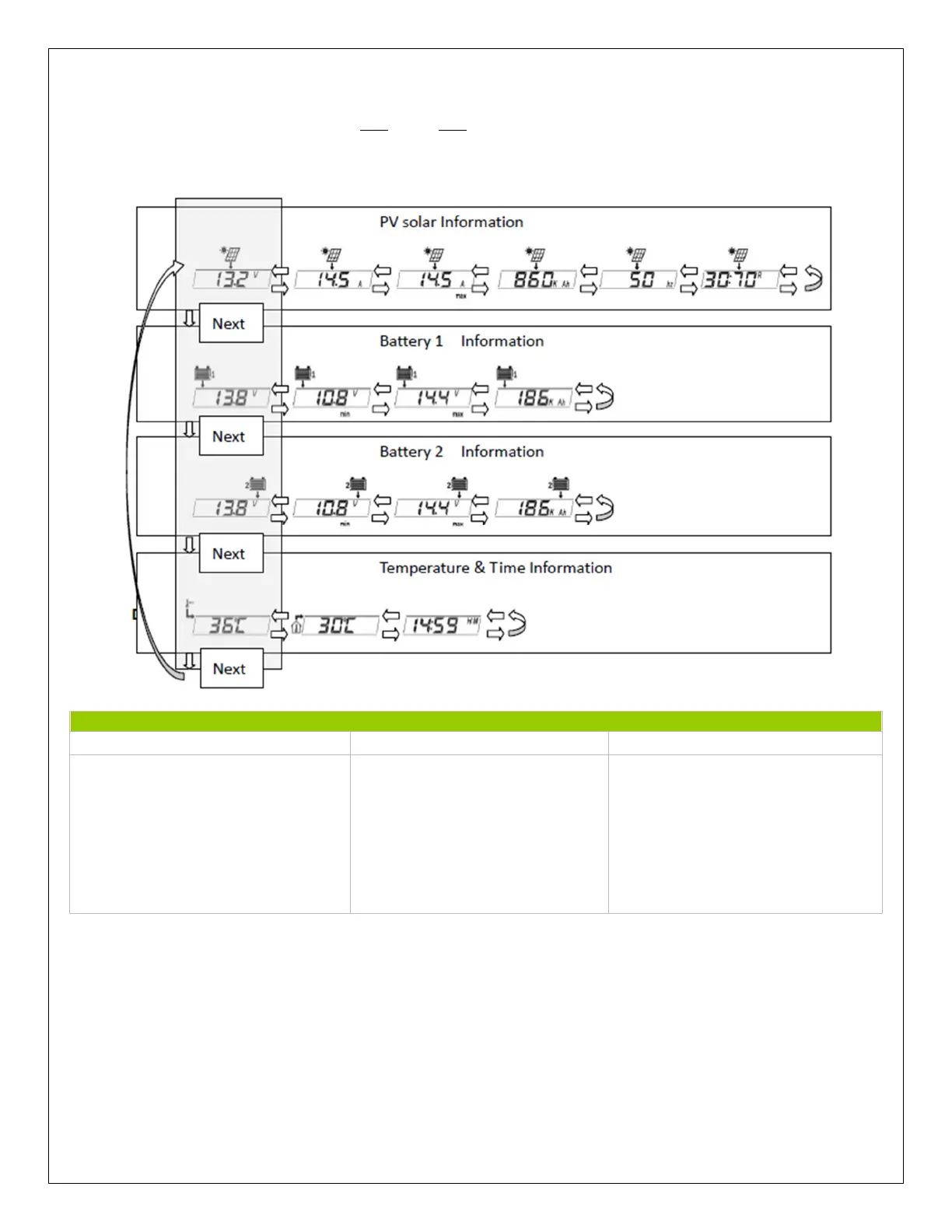
The user can also use the (K2) (), (K3) () keys to cycle within the four menus and display
more information.
PV Solar Battery 1 and Battery 2 Temperature / Time
1. Solar Panel Volts (V)
2. Solar Panel Amps (A)
3. Max Solar Panel Amps (A/
MAX
)
4. Generated Amp-Hours (Ah)
5. PWN Charge Frequency (Hz)
6. Charge Priority Percentage (R)
1. Battery Voltage (V)
2. Max Battery Voltage (V/
MAX
)
3. Min Battery Voltage (V/
MIN
)
4. Battery Amp-Hours (Ah)
1. Remote Temperature
Reading (optional)
2. Time
3. Local Temperature Reading
**The following data represents the 4 menus and the corresponding sub displays.
User Parameter Setting
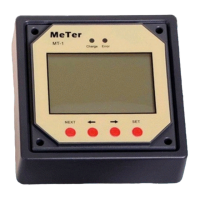
By pressing the SET button, the user is able to modify some parameters of the meter. They
include: Temperature Units, Backlight Timer, Backlight Brightness, Data Repeat Option, and
clock. The user uses the (K2) () and (K3) () to adjust the parameter, and then press (K4)
SET again to save the setting.


 To Next Page