52
Communication
REMOTE
DRY
CAN
NO
NC
C
CONTACT
L
L
N
OUTPUT
INPUT
N
WARNING
please read the instructions carefully
Before working on this product.
High voltage,in order to avoid risks,
OFF
ON
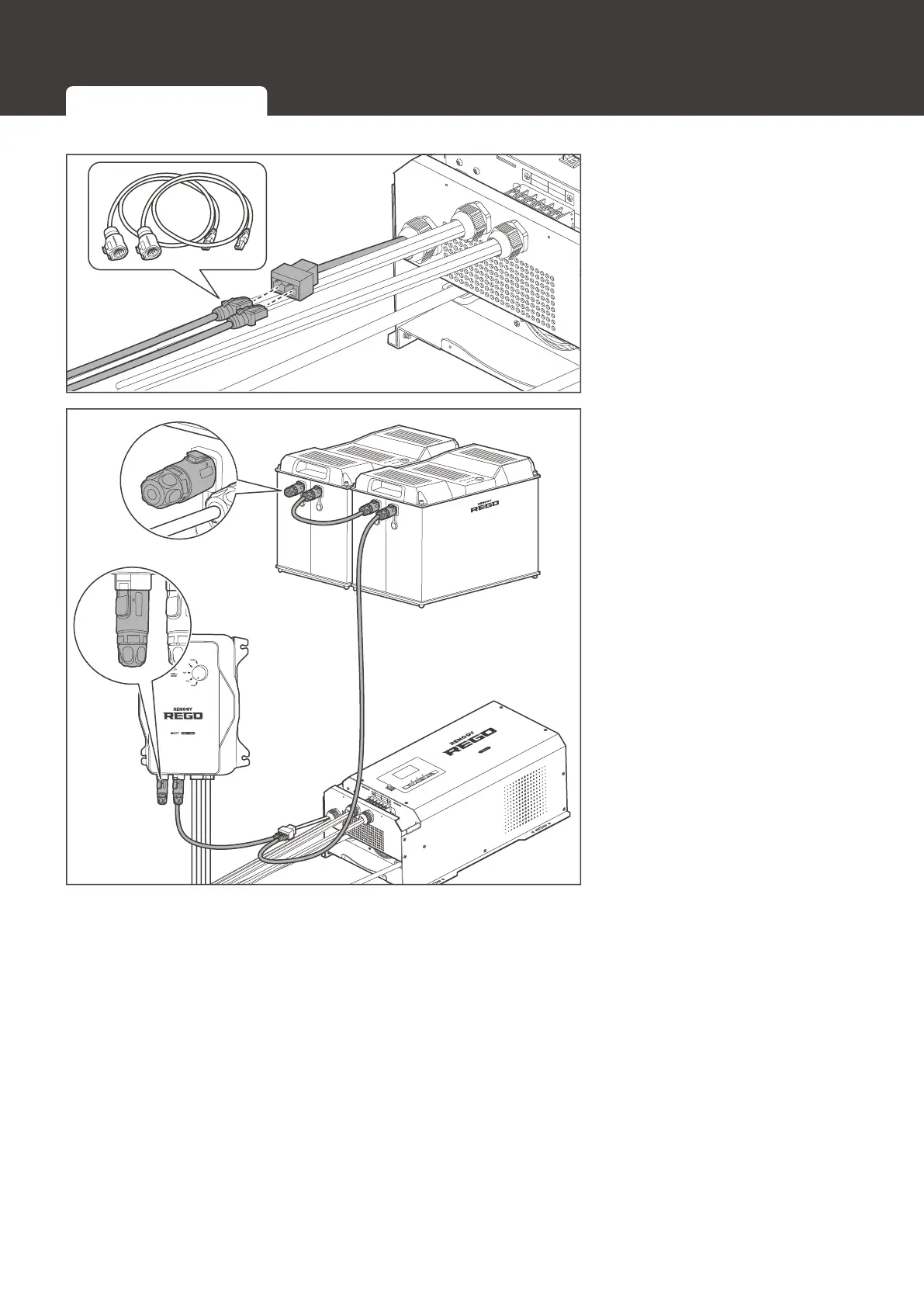
3. Connect the two RJ45
connectors of LP16
Plug (7-Pin) to the RJ45
Communication Adapter
&DEOHVWRWKH5-
1HWZRUNWR3RUW
Ethernet Adapter Splitter.
AC / INV
CHC
FAULT
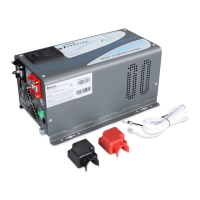
Pure Sine Wave Inverter Charger
REMOTE
DRY
CAN
NO
NC
C
CONTACT
WARNING
please read the instructions carefully
Before working on this product.
High voltage,in order to avoid risks,
L
L
N
OUTPUT
INPUT
N
WARNING
please read the instructions carefully
Before working on this product.
High voltage,in order to avoid risks,
OFF
ON
4. Connect the other
ends of the LP16
Plug (7-Pin) to RJ45
Communication Adapter
&DEOHVWRWKHYDFDQW&$1
communication ports of
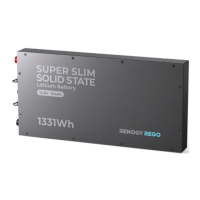
other REGO devices.
Insert the terminal
plugs (sold separately)
into the vacant CAN
communication port of
WKH¿UVWDQGODVW5(*2
devices.
Inter-Device Communication Monitoring Device Communication





 To Next Page