8 Basic Operation
Note:
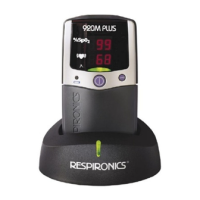
After removing batteries from the 920M PLUS, you will have
approximately 2 minutes to replace them before losing data stored in
memory and the clock and calendar settings. Replace the batteries
immediately to avoid the loss of stored data.
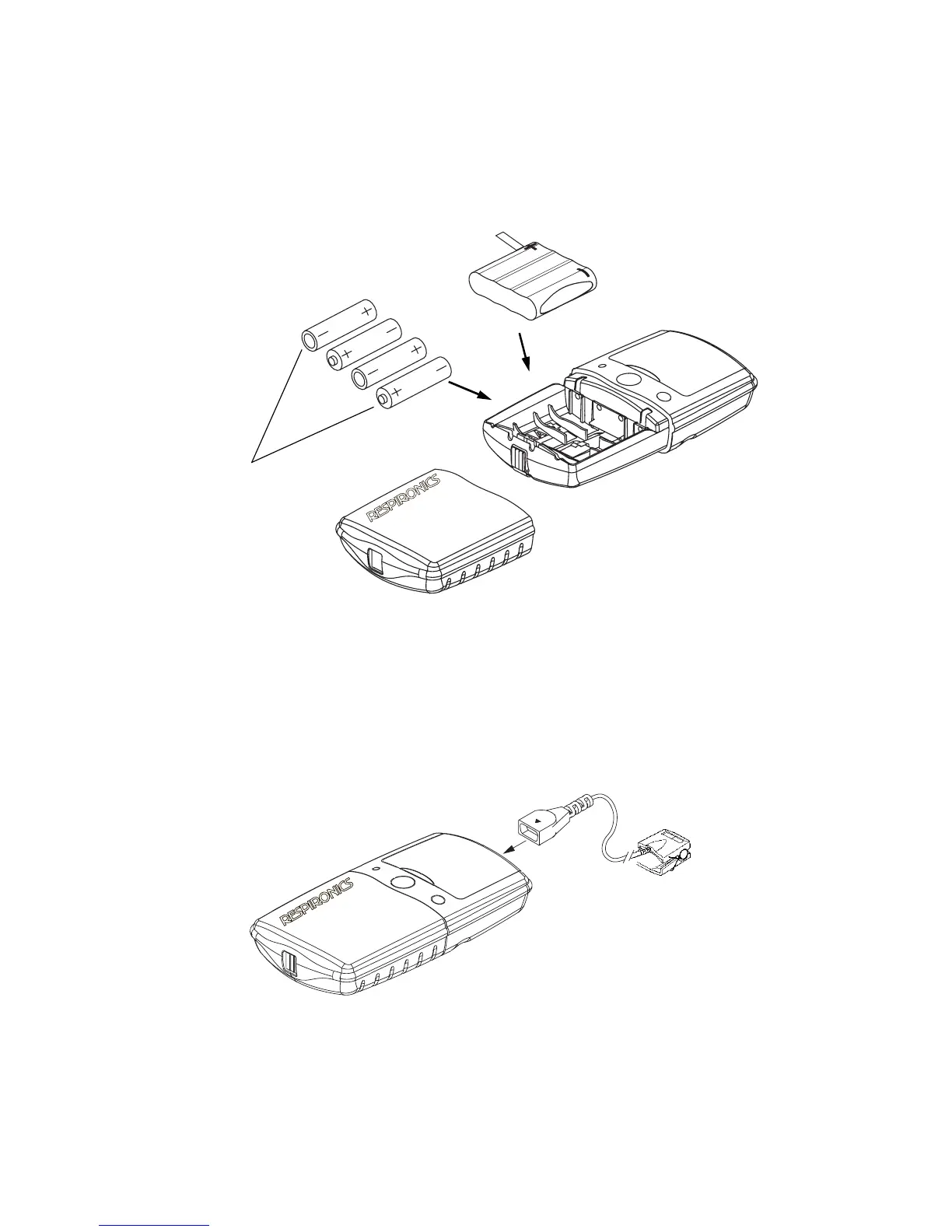
Figure 4. Installing batteries in the 920M PLUS.
Connecting the Sensor
Connect the pulse oximeter sensor to the top of the 920M PLUS as shown
in Figure 5. Ensure that the sensor is firmly plugged in. Refer to the specific
sensor package insert for pulse oximeter sensor positioning information.
Figure 5. Connecting a sensor to the 920M PLUS.
Battery
Orientation
AA-size
Alkaline
Batteries
Battery
Pack
2




 To Next Page