MINI 3D Scanner Quick Start Guide
COPYRIGHT ©2022 REVOPOINT 3D ALL RIGHTS RESERVED 10
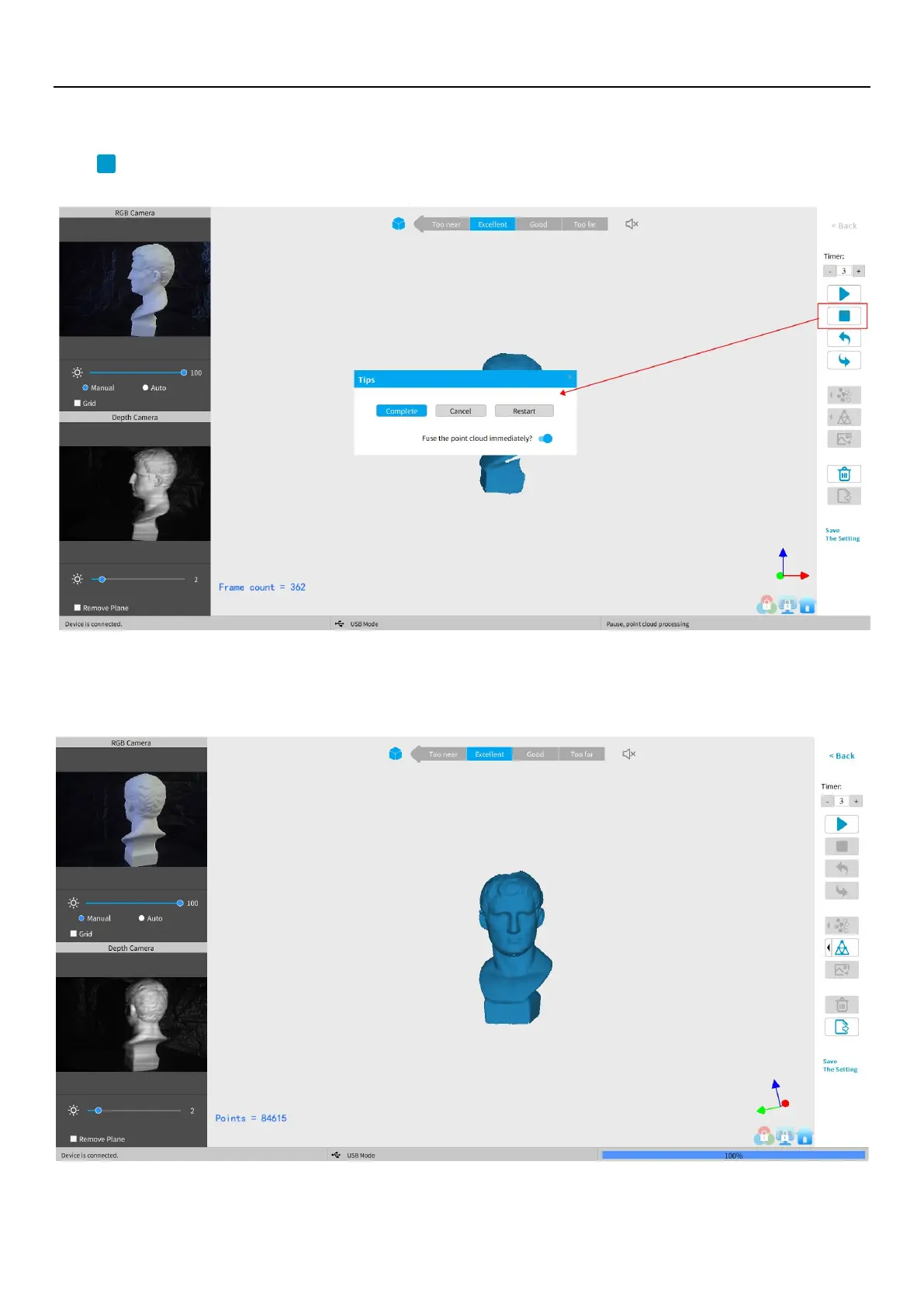
Complete/Restart Scanning
Click and the "Complete" button in the popup to fuse the point cloud data, or press the “Restart” button to delete the
data and return to the Preview section (p. 8).
After clicking Stop, it is possible to resume scanning (say, after repositioning either the scanner or the object being scanned).
If this is desired, then be sure to move the slider switch for “Fuse point cloud immediately?” to the right before clicking
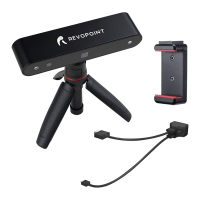
“Complete”. The scan data will be fused into a point cloud immediately. After this, meshing the point cloud data or resume
scanning are available.


 To Next Page