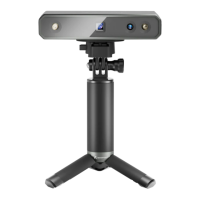
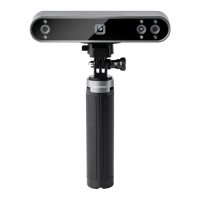
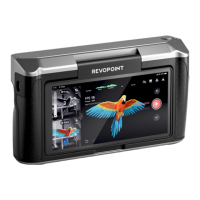
INSPIRE Quick Start Guide
7 ©2023 REVOPOINT 3D ALL RIGHTS RESERVED
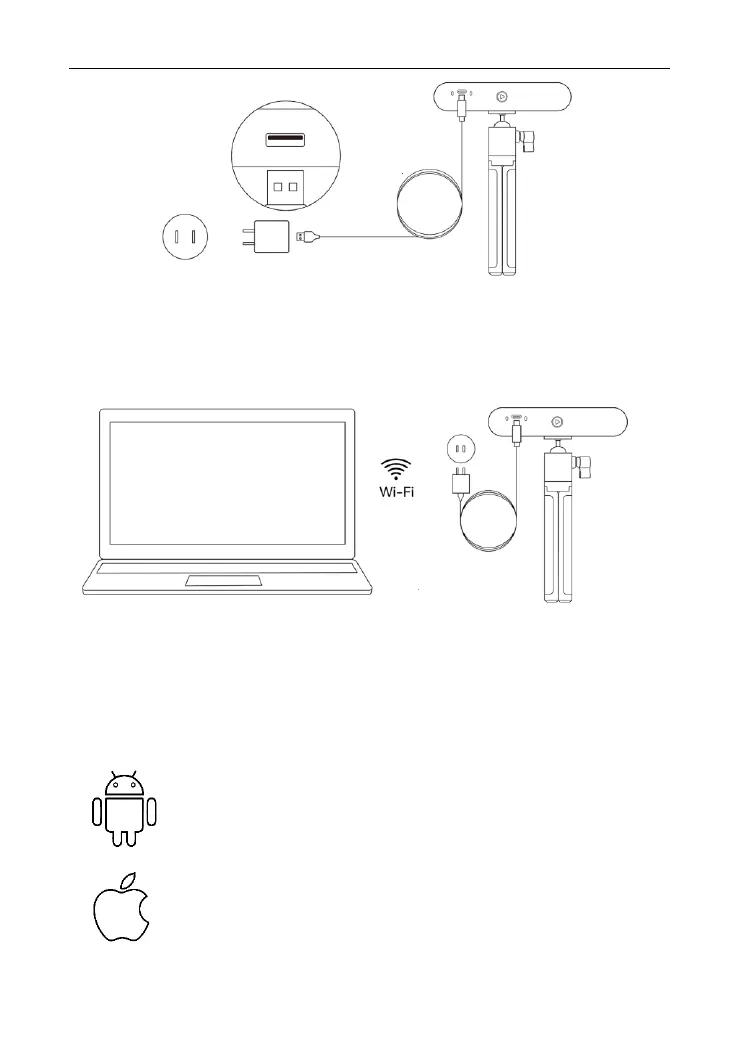
Step 2: Connect a PC to INSPIRE.
1) Go to your Wi-Fi settings, search for the network called INSPIRE-
REVO-XXXXXXX, and connect (No password is required).
2) Wait a few seconds for the scanner to be connected.
Step 3: Open Revo Scan on your computer.
INSPIRE on Smartphones
System Requirements
Android: ≥ Android 9.0
Harmony OS is supported.
RAM: ≥ 6GB
iPhone: iPhone 8 Plus or models after
iPad: 6th generation iPad or models after
System Version: ≥iOS 13.0



 To Next Page