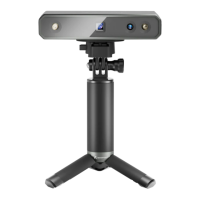
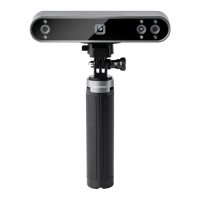
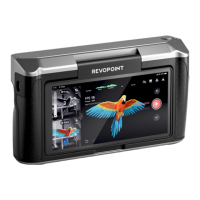
INSPIRE Quick Start Guide
©2023 REVOPOINT 3D ALL RIGHTS RESERVED 12
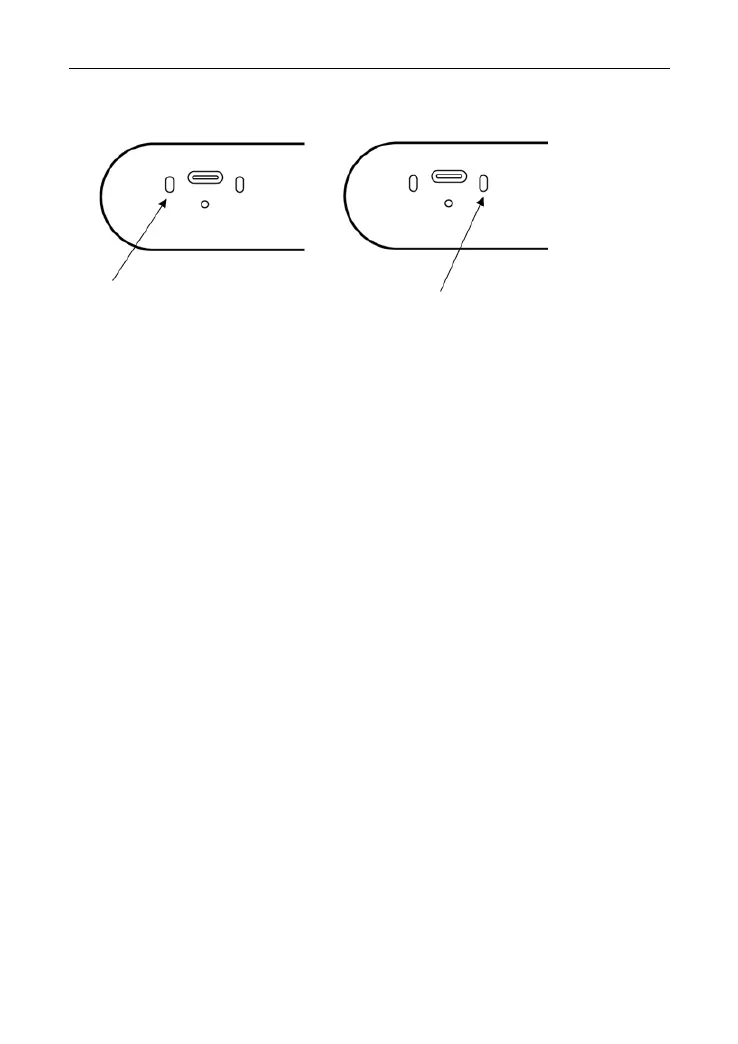
LED Indicators
Updating the Firmware
A Revo Scan (PC) pop-up will notify you when you connect your INSPIRE
if a firmware update is available. If you want to update your firmware,
follow the install wizard’s prompts and ensure your INSPIRE has a
stable power supply.
Scanner Calibration
Your INSPIRE 3D Scanner was calibrated in the factory and only needs
to be recalibrated after a year of use or if the scanned results do not
match the specified accuracy.
Maintenance Instructions
1. Small parts, such as markers, are dangerous if swallowed. Keep all
components out of reach of children and animals to avoid serious
injury.
2. Store the scanner and all accessories in a cool, dry place away from
direct sunlight.



 To Next Page