INSPIRE Quick Start Guide
©2023 REVOPOINT 3D ALL RIGHTS RESERVED 8
Connection Methods
Note: Android devices support both USB and Wi-Fi connections. A 2-in-1 Mobile
USB Cable is needed to connect INSPIRE to a phone and power bank. One can
be purchased from the Revopoint store. The following provides a detailed
introduction to Wi-Fi connection for both Android and iOS OS.
Connecting INSPIRE to Phones via Wi-Fi
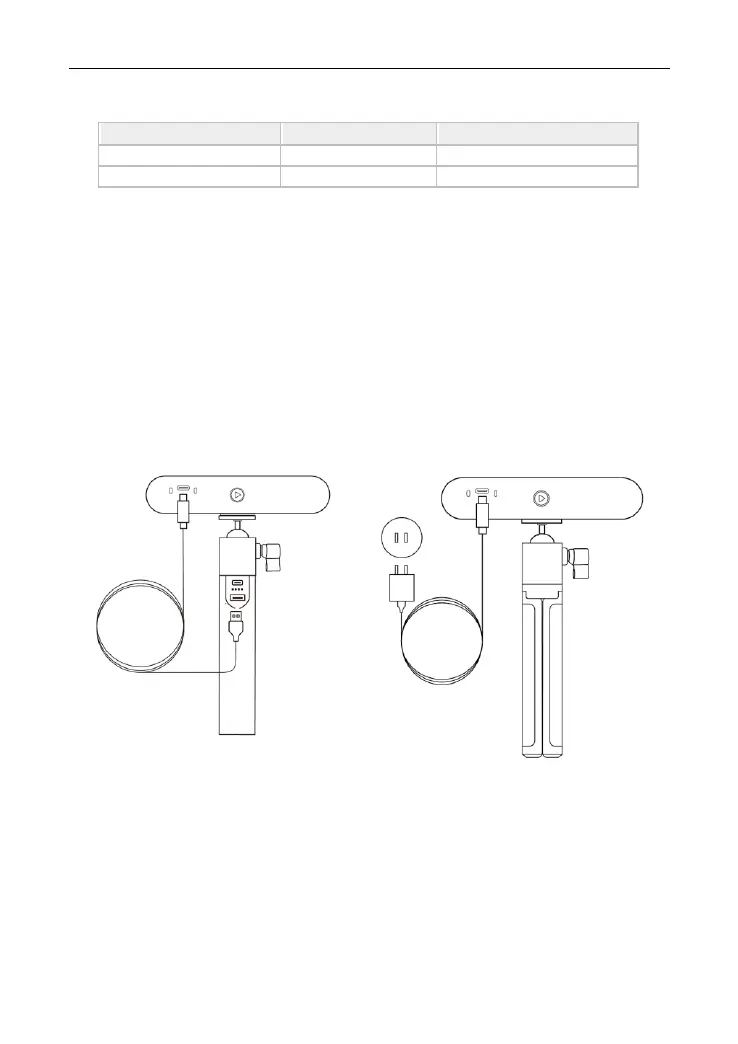
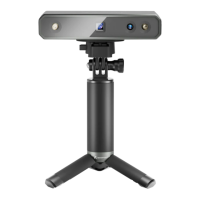
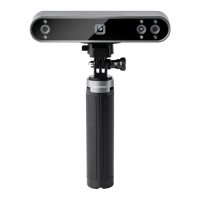
Step 1: Powering INSPIRE via the Power Bank Handle or a power
socket.
1) Powered by a Power Bank.
2) Powered by a power socket.
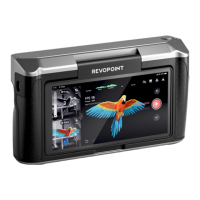
Step 2: Connect a Smartphone to INSPIRE.
1) Go to your smartphone’s Wi-Fi settings, search for the network called
INSPIRE-REVO-XXXXXXX, and connect (No password is required).
2) Wait a few seconds for the scanner to be connected.



 To Next Page