13
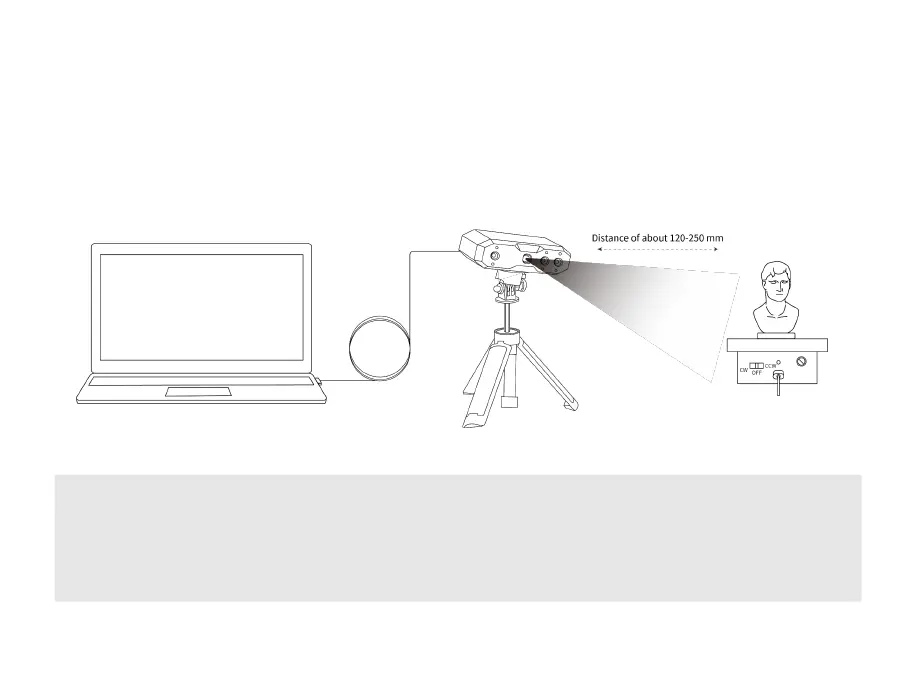
⑤ Adjust the tripod to a suitable height and aim the scanner at the object. The distance between the
scanner and the object can be between 120 – 250 mm. In the 3D scanning interface in Revo Scan,
refer to the distance indicator bar to ensure an excellent distance between the scanner and the
object. For handheld scans, move the scanner slowly and steadily around the object.
Note: For best accuracy, recalibrate the scanner in an environment that’s at the same temperature as your
scanning environment.
The scanning accuracy may be affected if the scanner is bashed by accident. In this case, please get in
touch with us to help you recalibrate the scanner with the Calibration Board. If the accuracy still cannot
reach the standard accuracy after recalibration, please return the scanner for repair.



 To Next Page