16
Your First Scan Using Revo Scan (Android)
① Open Revo Scan on your phone and tap the New Project button.
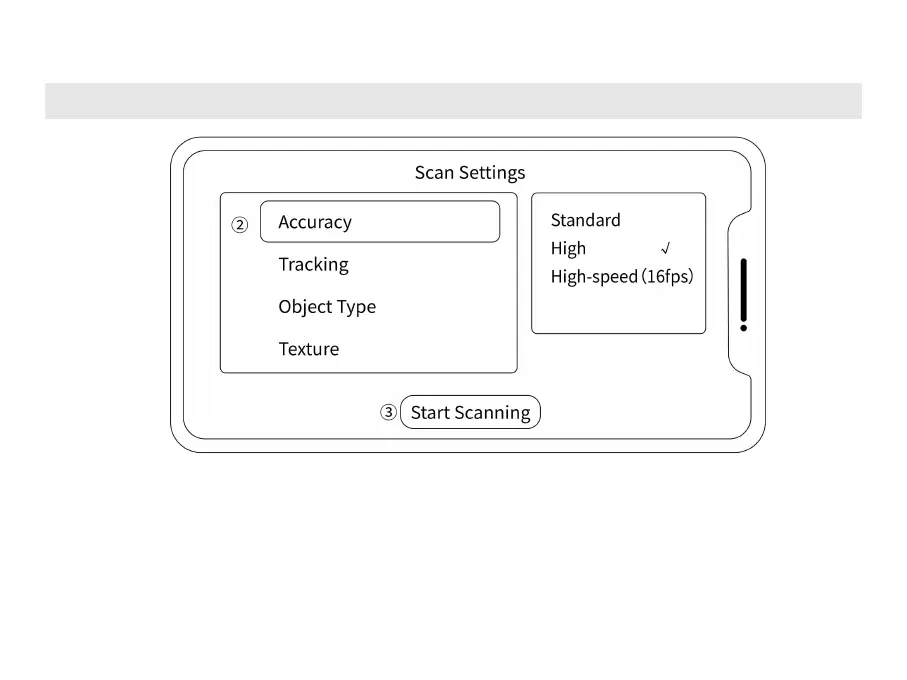
② Choose Accuracy, Tracking Mode, and Object Type according to your needs. Choose Color in
Texture if you need a color model.
③
Tap the Start Scanning button to enter the scanning preview window.



 To Next Page