① Open Revo Scan on your PC and click
the New Project button.
② Choose File - Import from Phone on
the Menu Bar.
③ Open Revo Scan on your phone and
find the project to transfer.
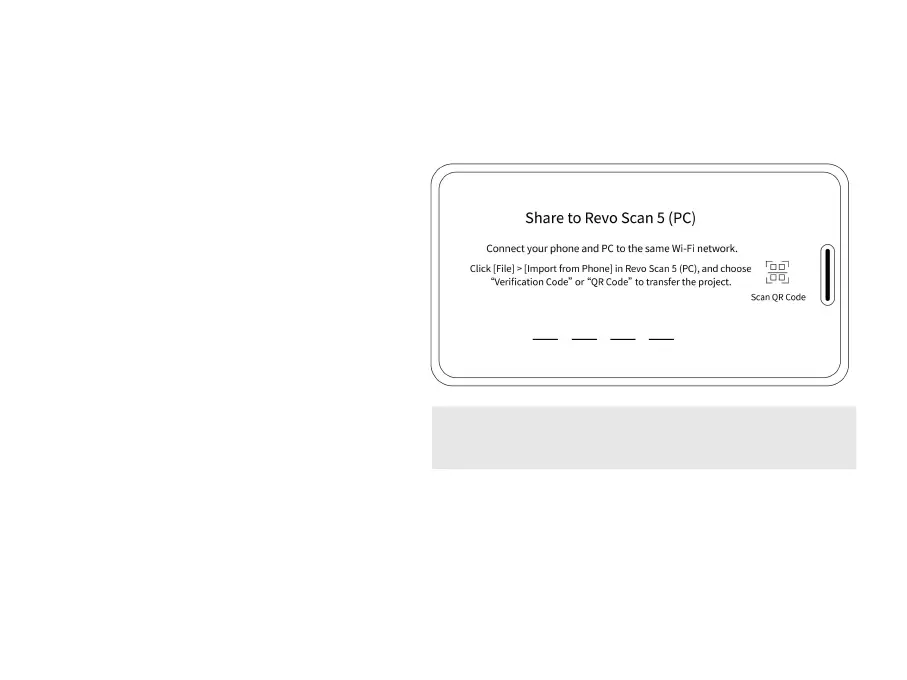
④ Tap the share icon and enter the share
page (see the image on the right).
⑤ Enter the code or scan the QR code
displayed on the PC.
⑥ Wait for the project to be transferred.



 To Next Page