12
Press the Menu Button to open system menu setup. Select Settings. Press the
Up/Down Button to change the option and press the OK Button to confirm.
Please perform selective setups to the primary options, such as setting the
device’s system time. Video Resolution: FHDP30+FHDP30, FHDP30+HDP30
Note:
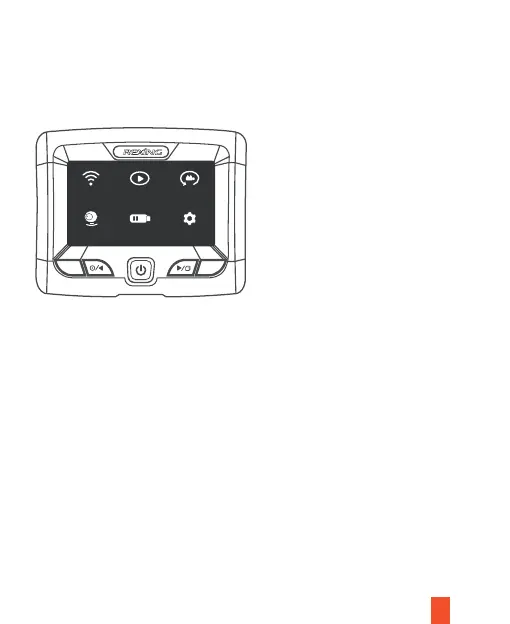
Main Interface
System Setup
I. Open the Setup Menu
Select Record on the main menu. Press the OK Button to start/pause video
recording of the device or press the Record Button to pause/start video recording.
II. Video Mode - Setup
Basic Operations
Wifi Record Playback
Parking Power Volt Settings
1. Loop Recording:
1, 2, or 3 minutes
M
OK



 To Next Page