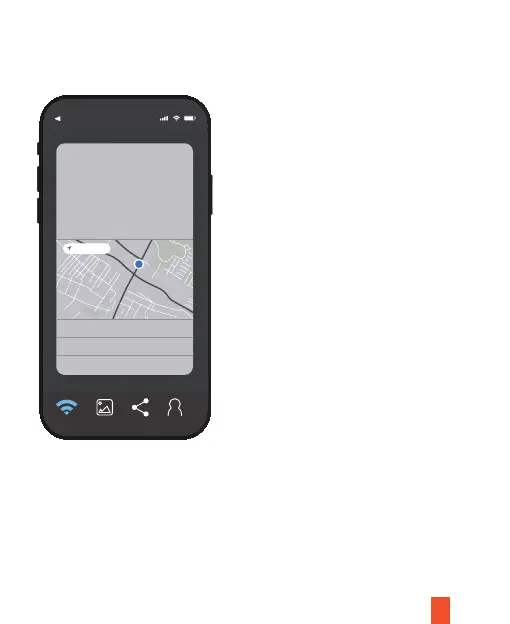
2. Open the app after installation. There will be a pop-up message asking if you will
allow Rexing Connect to access the your location. Click as shown in the picture:
21
For an initial connection, it is necessary to access Wi-Fi setup. Find network and
input the password. Later connections require no password input.
III. Wi-Fi Connection
App Store
10:44
Allow Rexing Connect to use
your location?
Don’t Allow
Allow While Using Ap
Allow Once
If you don’t allow it, you won’t
be able to show your location in
the shared activity
Please click “OK” to allow access
Precise: on
Connect Saved Shared Prole



 To Next Page