22
Wifi
AP Mode
SSID: E89_502664
Password: 12345678
Refresh WiFi_OFF
M
OK
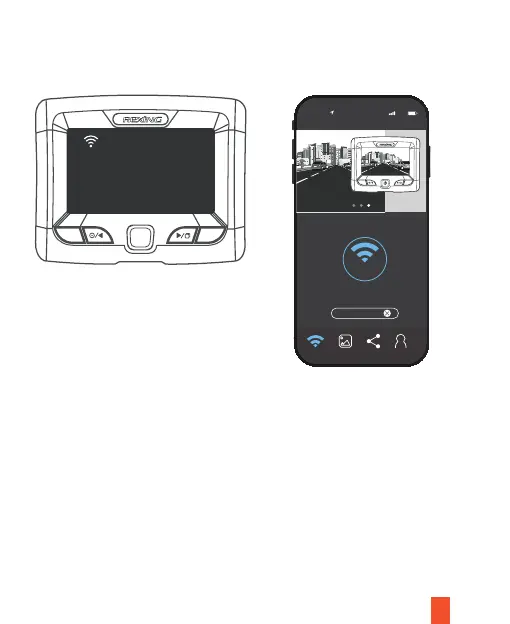
1. Select Wi-Fi ON/OFF on the main menu or press the OK Button to turn on the Wi-Fi
of the device. Press it again to turn the Wi-Fi off. As shown below:
2.
Search for Wi-Fi on your phone and find SSID: E89_***. Input the password for
your connection. The default password for the device is 12345678.
3. Click Connect to complete your connection. When successful a connection is
established between the mobile phone and camera, the Wi-Fi icon on the device’s
screen will turn from white to green. To view the camera record images, simply
return to the app.
Connect Saved Shared Prole
M
OK
4K Video Resolution
Connect
Wi-Fi Connect
LTE
10:44
NVT_CARDV0437
Unpair camera



 To Next Page