10
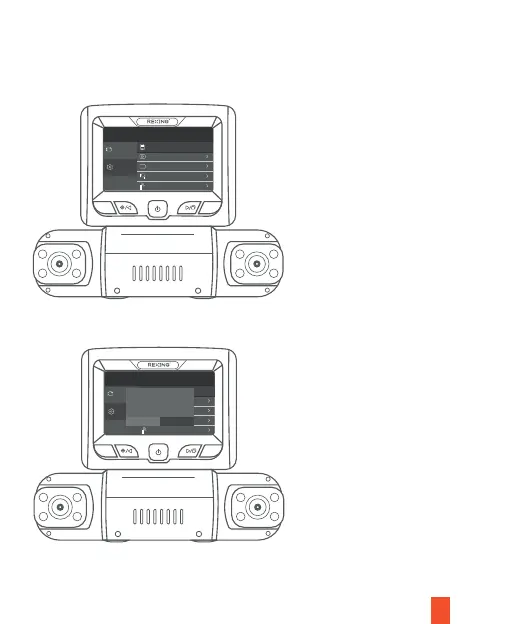
Press the MENU button twice
Press the OK button to confirm formatting the memory card
To format the memory card, first press the REC button to stop recording. Then
press the MENU button twice to enter the Setup Settings. Use the REC and MIC
buttons and toggle to the Format. Press the OK button to confirm the format.
M
OK
System Settings
Recorder Setting
Format
Screen Saver
Language
Parking monitor
IR LED
Close
11578 MB
English
Gravity
Sensing
Auto
General Setting
A
M
OK
System Settings
Recorder Setting
Format
Screen Saver
Language
Parking monitor
IR LED
Close
11578 MB
English
Gravity
Sensing
Auto
General Setting
A
Format SD Card?
OK Cancel



 To Next Page