Getting Started
Unpacking your V1LG Dashboard Camera
17
© 2018
REXING
A
ll Rig
hts
Re
s
er
v
ed
.
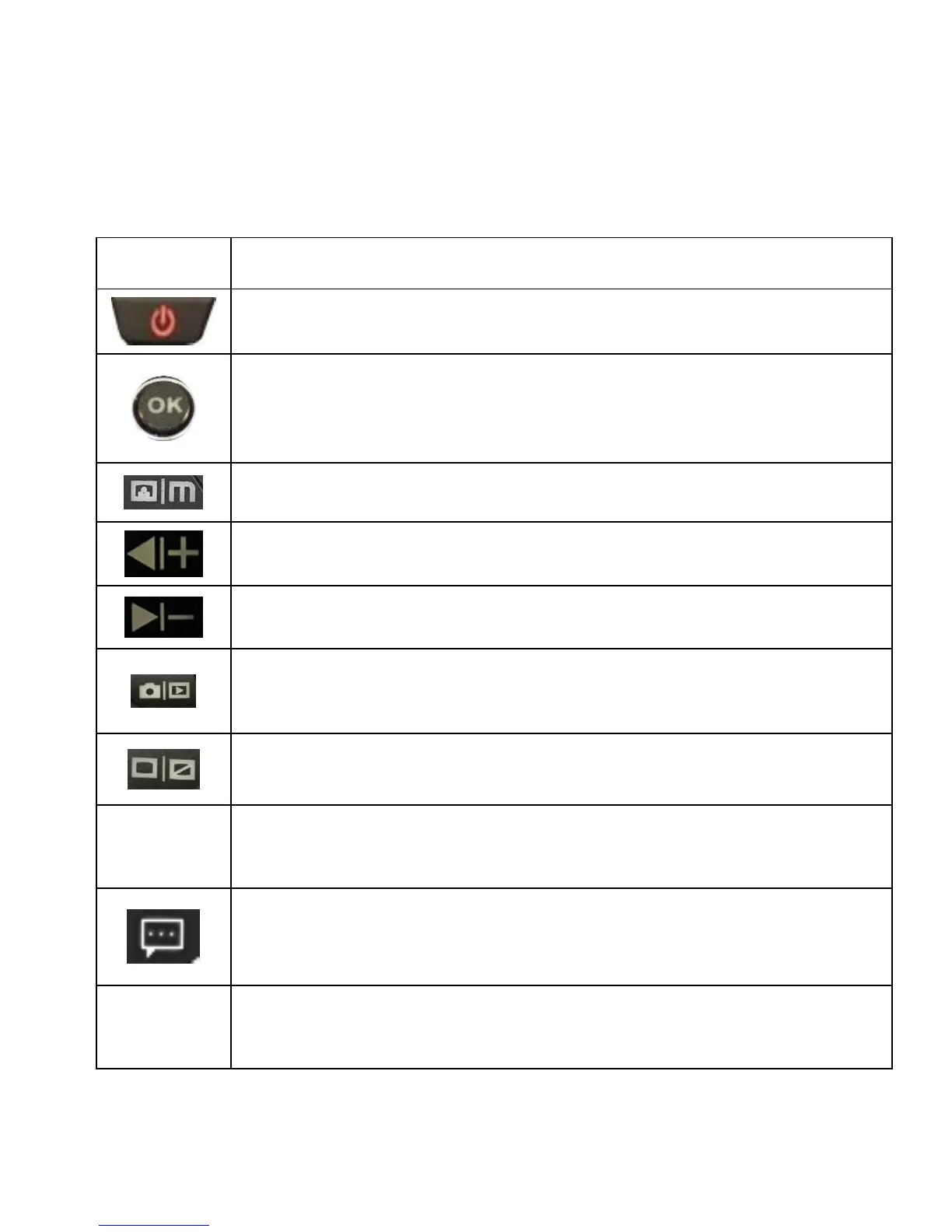
Buttons
• Press to turn on and off screen
• Hold to turn the device on or off
• Press to confirm a selection while in Setting Mode
• Click to start or stop recording
• MENU – Press to enter and exit Settings Mode
• Press to navigate UP through options in Settings Mode
• Press to navigate DOWN through options in Settings
Mode
• MODE Select – Press to toggle between Recording /
Photo / Playback modes
• Press to switch between front/rear/picture in picture
• Press and hold for 4 seconds to reset the device in the
event that it is malfunctioning.
• Emergency button:
• Press once to lock video
• Hold to mute
• Blinking Red – Recording



 To Next Page