8
Step 5
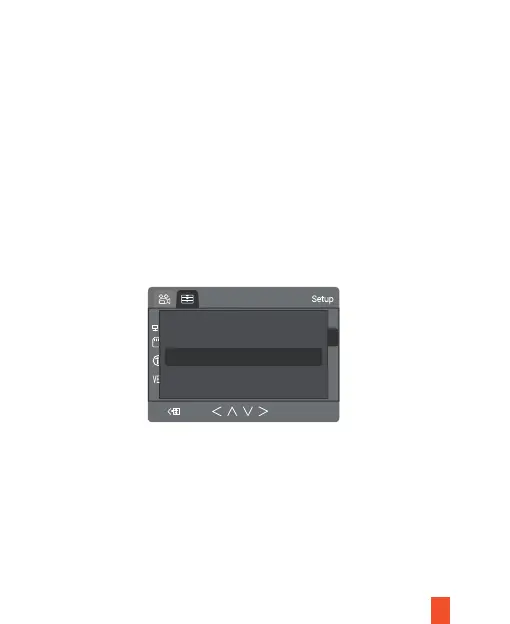
Connect to the Power and Format the Memory Card
3/3
All data will be deleted
OK
Cancel
Connecting the power cable to the vehicle's 12V-24V DC outlet. Be sure to
only connect using Rexing approved power cable that is designed and
supplied specifically for use with your device. Using an incompatible
charger can cause serious personal injury or damage to your device.
a.Press the OK button to stop recording
b.Press the MENU button twice to enter the Setup Settings
c.Press the DOWN button to navigate to the “Format” option
d.Press OK to confirm format.


 To Next Page