Hardware Installation and Reference Guide Common Troubleshooting
15 techsupport@ireyee.com
6 Common Troubleshooting
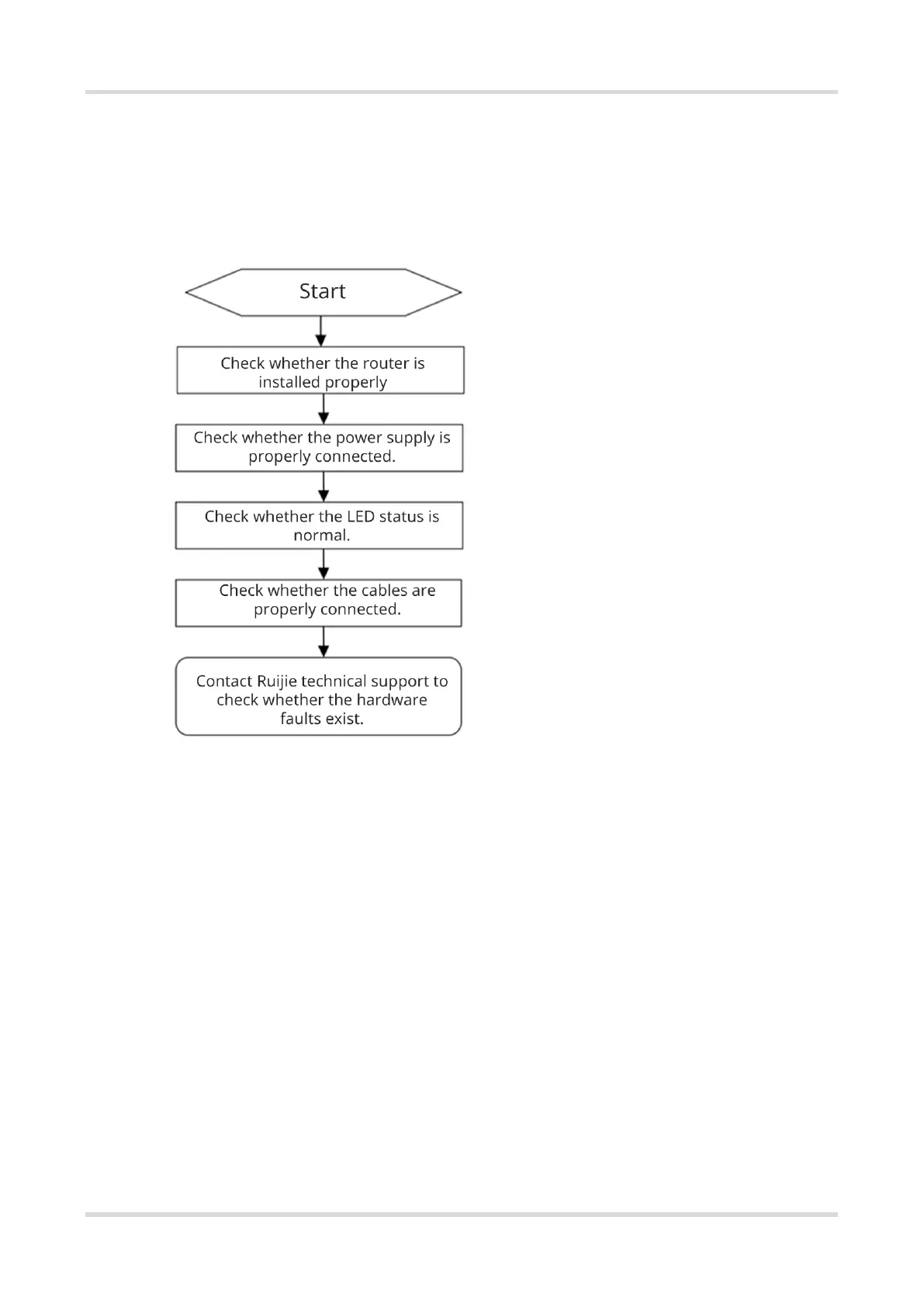
6.1 Troubleshooting Flowchart
6.2 Common Faults
6.2.1 The LED Is Off After the Device Is Powered On
Verify that the supplied power adapter is connected properly, and that the Ethernet cable is connected properly.
6.2.2 The Ethernet Port Is Not Working After the Ethernet Cable Is Plugged In
Verify that the device at the other end of the Ethernet cable is working properly. Then, verify that the Ethernet
cable is capable of providing the required data rate and is properly connected.
6.2.3 A Client Cannot Discover the SSID of the Router
(1) Verify that the router is properly powered on.
(2) Verify that the Ethernet port is correctly connected.
(3) Verify that the router is correctly configured.
(4) Move the client closer to the router.



 To Next Page