Hardware Installation and Reference Guide Product Introduction
2 techsupport@ireyee.com
1.3 Appearance
1.3.1 Top View
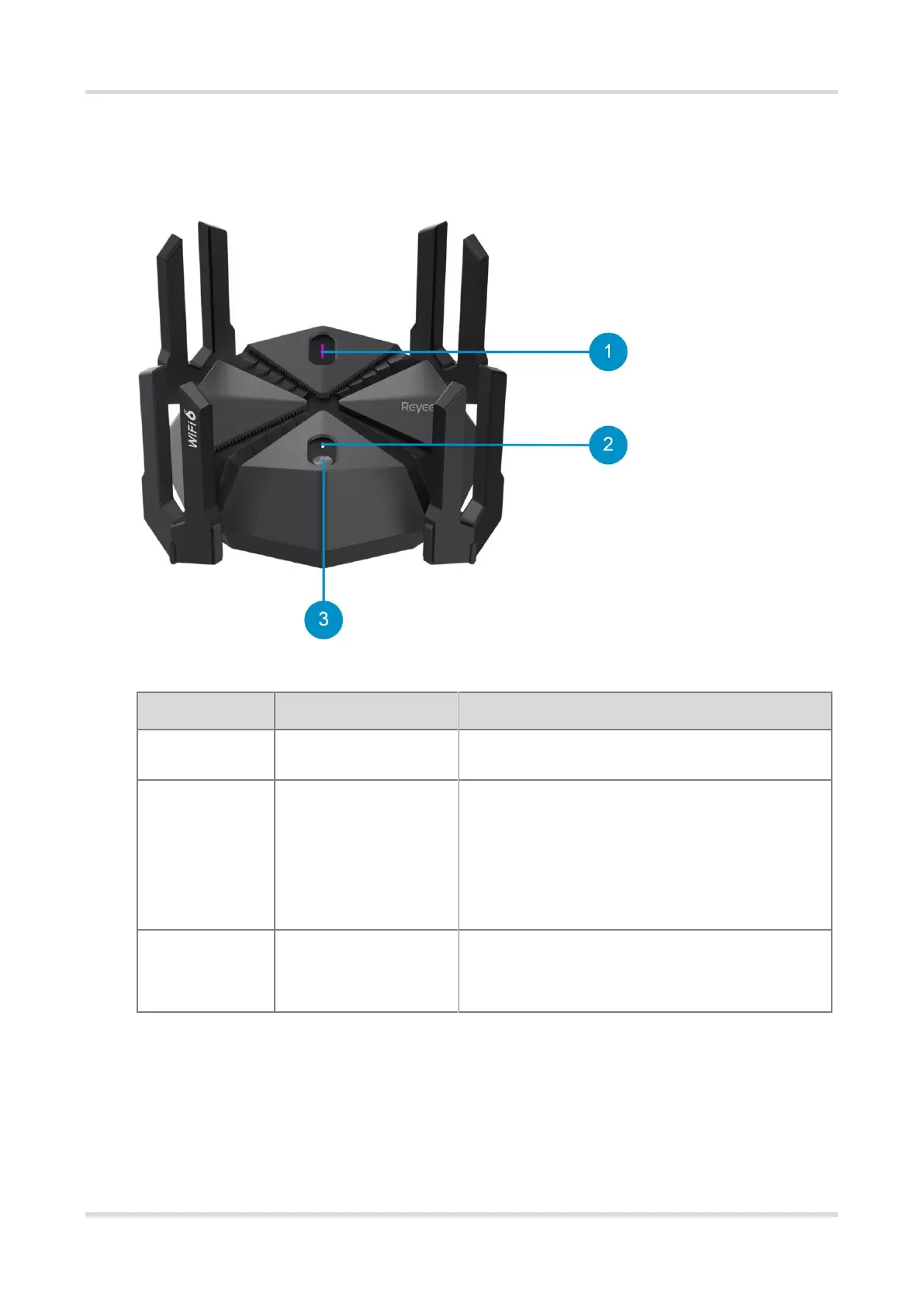
Figure 1-1 Top View
Table 1-2 LEDs and Buttons
Off: Game turbo is disabled.
On: Game turbo is enabled.
Off: The router is not powered on.
On: The router is functioning properly.
Slow blinking: The router is not connected to the Internet,
or is in the process of forming a mesh network.
Fast blinking: The router is starting up.
Reyee Mesh/Game turbo
button
Press the button for less than 2 seconds: This device
serves as the primary router, and starts mesh networking.
Press the button for more than 3 seconds: Enables or
disables the game turbo function



 To Next Page