Getting in and sitting in the Cruiser (cont.)
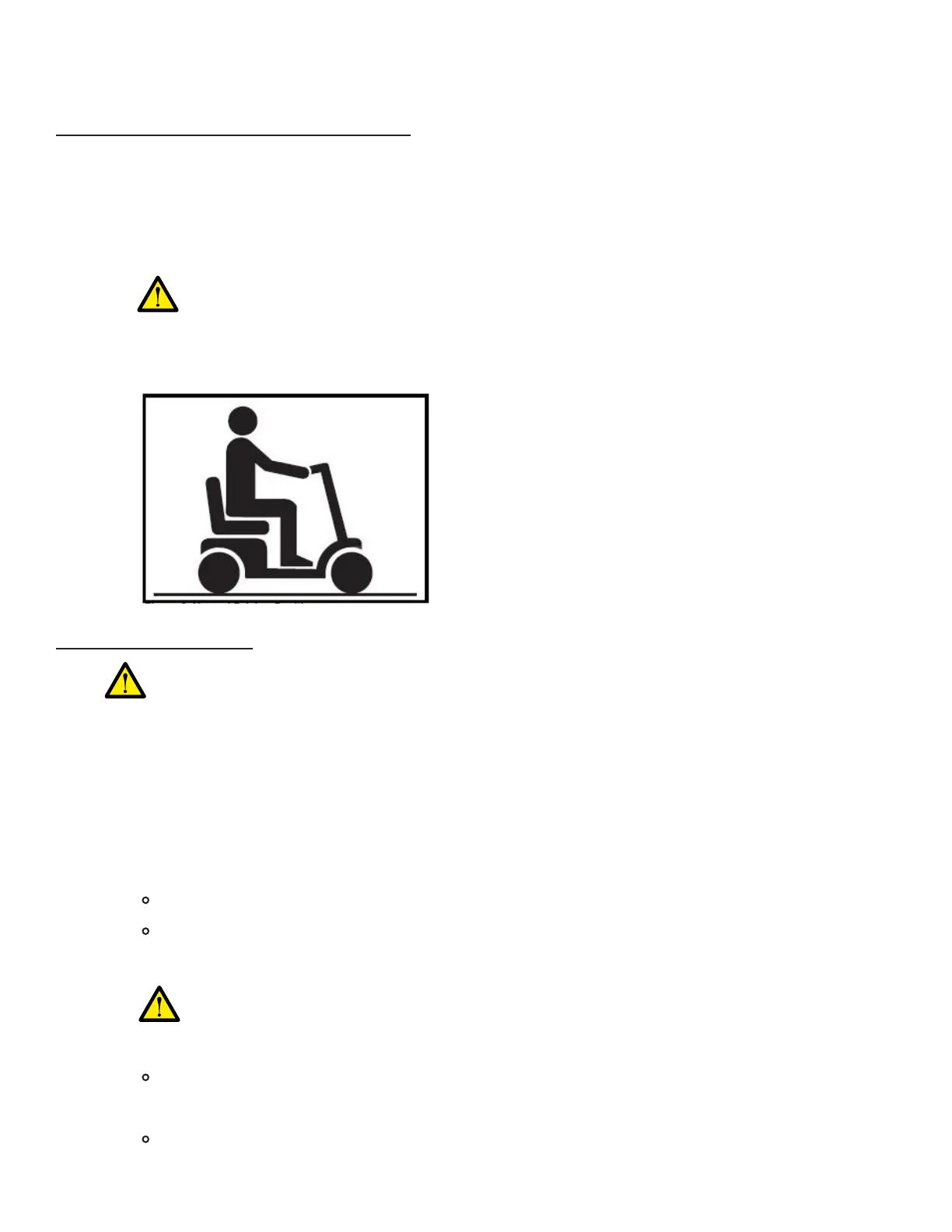
To ensure a safe sitting position:4)
Feet must be placed at on top of the deck.
If any armrest is lifted, fully lower it, to prevent any potential injury or instability while
the Cruiser is in motion.
b)
c)
Ensure you are fully seated all the way, with your back fully resting against the seat-
back.
a)
If any part of your foot/feet is touching the ground while the Cruiser is in motion,
you risk potential injury. Also ensure that no part of the user’s footwear (e.g.
shoelaces) is dangling or touching the ground.
How to use the console
Ignition: power on/o1)
BEFORE powering on the Cruiser:•
Insert ignition key into the ignition, ensuring alignment.•
Turn key to the right to power on the Cruiser.•
Ensure power is OFF and ignition key is REMOVED when Cruiser is not in use.•
DO NOT use the console while the Cruiser is being disassembled or transported.•
Warnings:
Ensure that NO children, pets, or persons with limited physical/mental faculties are able
to access the ignition key or console at any time.
•
If the key becomes stuck or unable to turn in the ignition, DO NOT attempt to
force or x it, DO NOT use the Cruiser, and contact customer support.
Read, comprehend, and follow the entire pre-ride checklist.
Ensure user is properly seated and that the intended pathway is clear.
When the power is on, the battery level indicator lights will turn on automatically.
When the power is off, the battery level indicator lights will turn off automatically.
Turn key to the left to power off the Cruiser.•
How to Operate Your Cruiser (Cont.)
34


 To Next Page