Form CP-MAPS-D12 with FX05, P/N 209341 Rev 4, Page 17
Display
Name
(cont’d)
Control Variable Description (cont’d)
Default
Value
Range
oH3 - Outdoor Reset Dry Bulb Heating – Low Setting
The value of the outside air temperature corresponding to the dHH high heating setpoint
value.
20ºF -45 - 65ºF
Time Clock
(Option BHB1 required.)
Display Description Value
Uni Unit of Measure °C or °F
TS Time Clock Status - Press Enter to view
OFF= not active, ON = Active, URL =
card not installed.
Add
Lon or N2 Network Address (Option
BHB2 or BHB3 required)
Hr Current Time Clock - Hour 0-23 Hours (Military Time)
in Current Time Clock - Minutes 0-59 Minutes
dAy Current Time Clock - Day Sunday thru Saturday -- = 0 thru 7 value
Current Status
To view the current time clock status on the FX05, hold the “Enter” and “Func-
tion” key for 5 seconds. The initial display text will appear as “Uni” or Units of
measure. The time clock variables are only valid if a time clock card (Option
BHB1) is installed in the controller.
Time Clock Variables
Variable
Displayed
Description
Default
Value
Range
H1 Denes the hour in which to start the occupied cycle from Monday to Friday 6 0 - 23
t1 Denes the minute in which to start the occupied cycle from Monday to Friday 0 0 - 59
H2 Denes the hour in which to stop the occupied cycle from Monday to Friday 18 0 - 23
t2 Denes the minute in which to stop the occupied cycle from Monday to Friday 0 0 - 59
H3 Denes the hour in which to start the occupied cycle on Weekends 6 0 - 23
t3 Denes the minute in which to start the occupied cycle on Weekends 0 0 - 59
H4 Denes the hour in which to stop the occupied cycle on Weekends 18 0 - 23
t4 Denes the minute in which to stop the occupied cycle on Weekends 0 0 - 59
To access the time clock variables, hold the “Enter” key for the 10 seconds.
(The initial screen text will appear as “SSP”.) Use the “Up” or “Down” arrow key
to scroll through the parameters. If you would like to view a parameter setpoint,
select the desired parameter and push the “Enter” key once. Use the “Up” or
“Down” arrow key to change the parameter. To exit, press “enter “(to accept
the value displayed) and “enter” again to exit. A description for each of the eld
adjustable time clock parameters is shown below.
Alarm Displays
When an alarm is triggered, one of the following codes will ash on the FX05
display window.
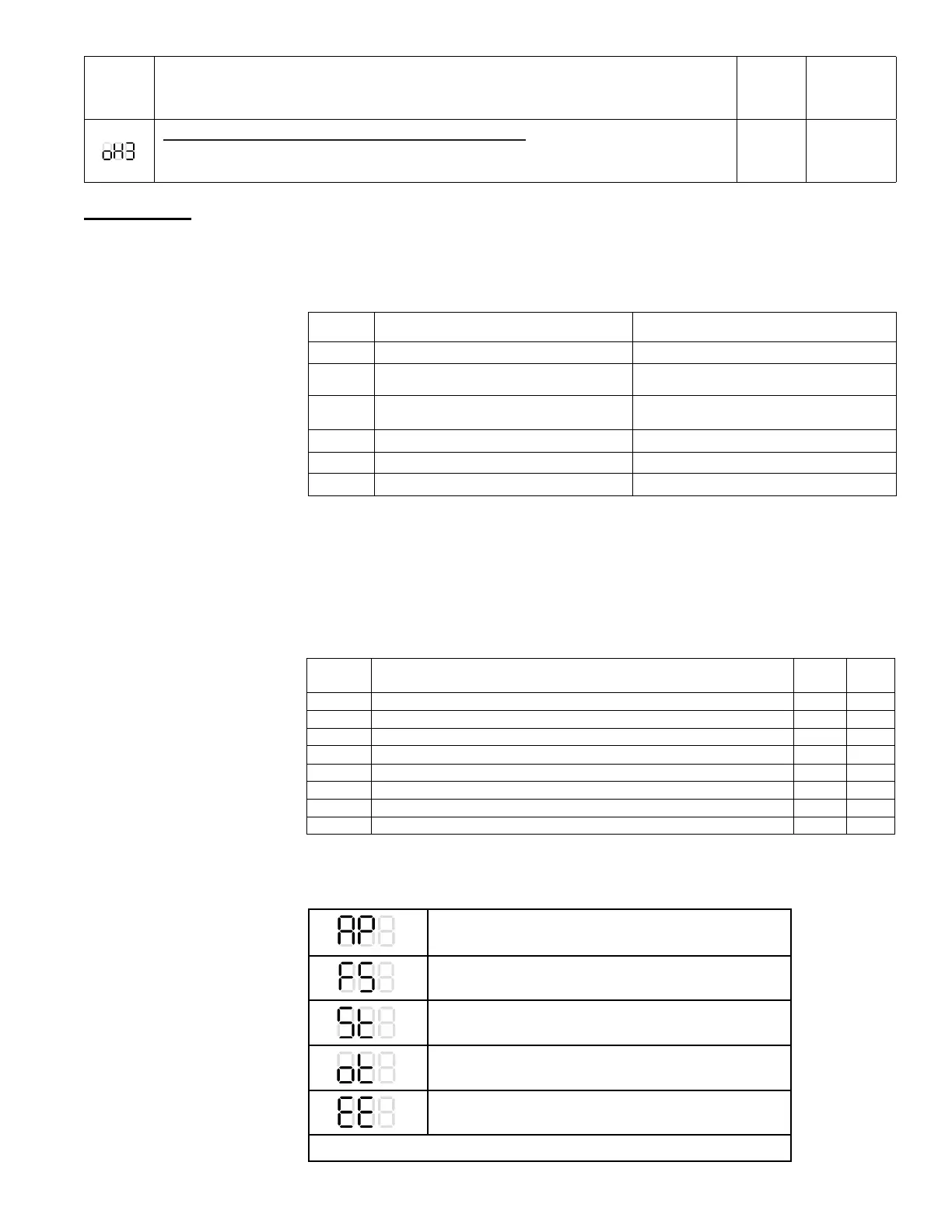
AP - Air Proving
FS - Low Limit Freeze Protection Lockout
St - Discharge Air Temperature Sensor Failure
ot - Outdoor Air Temperature Sensor Failure
EE - FX05 Controller Low Voltage Lockout
Phase Loss Switch (optional) - Nothing Displayed (Lockout)



 To Next Page