RF Explorer User Manual page 14
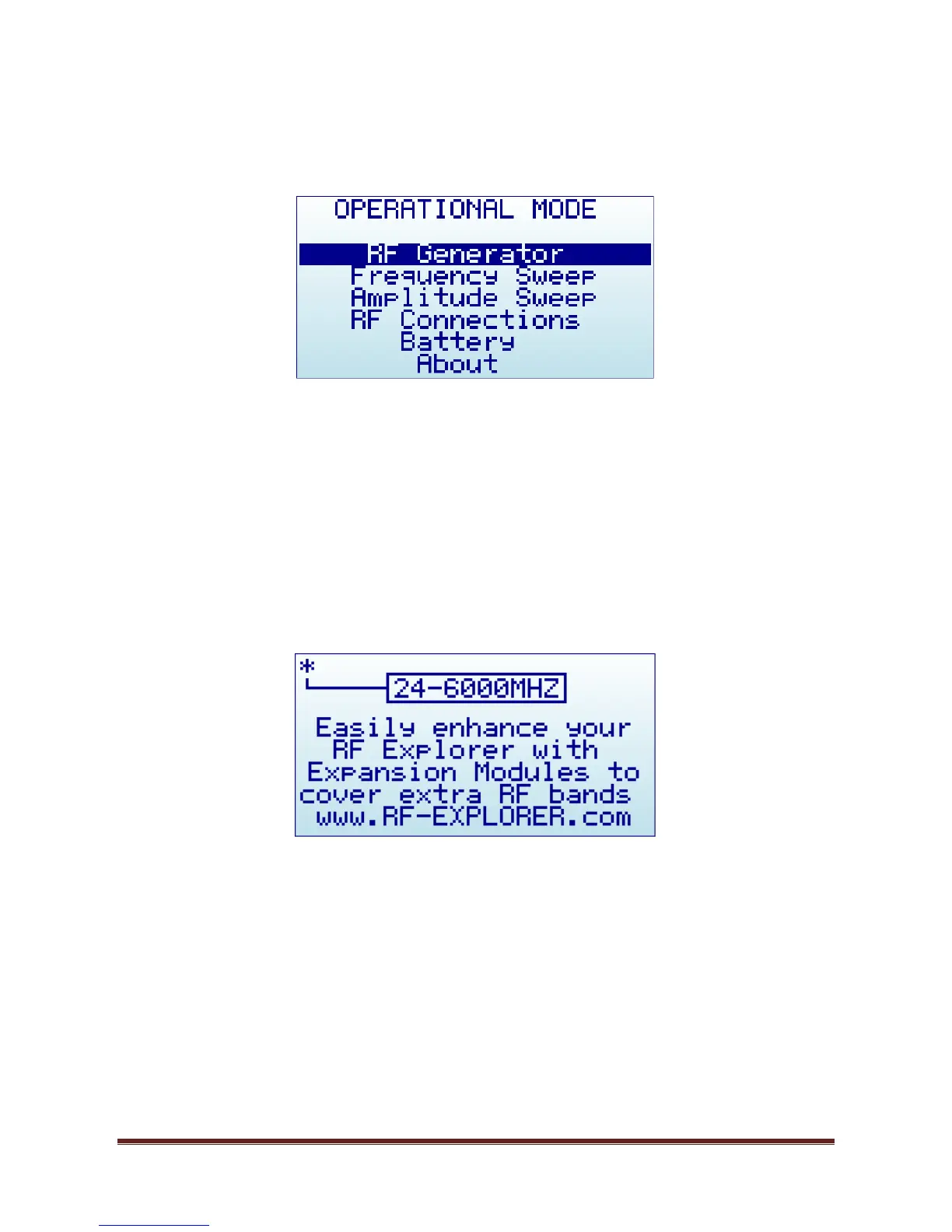
Operational Mode menu
The menu display different functional modes available in your Analyzer.
Use [Up] and [Down] arrow keys to select the desired mode and click on [Enter] to activate it immediately.
RF Generator mode is the default mode, this is used for carrier CW signals
Frequency Sweep allows iterative hops over Start Frequency and Stop Frequency defined by a Step
Frequency and a Step delay.
Amplitude Sweep allows iterative amplitude change at CW frequency.
RF Connections enumerates the installed RF modules and how each one is connected to each SMA
RF port. This example below shows a standard RFE6GEN model with 24 to 6000MHz. Click on any key
to get out of this screen.
Battery includes details on internal battery charge level, and assist you on charging the unit when
connected to USB. For more details read section Charging the internal battery in page 23.


 To Next Page