RF Explorer User Manual page 17
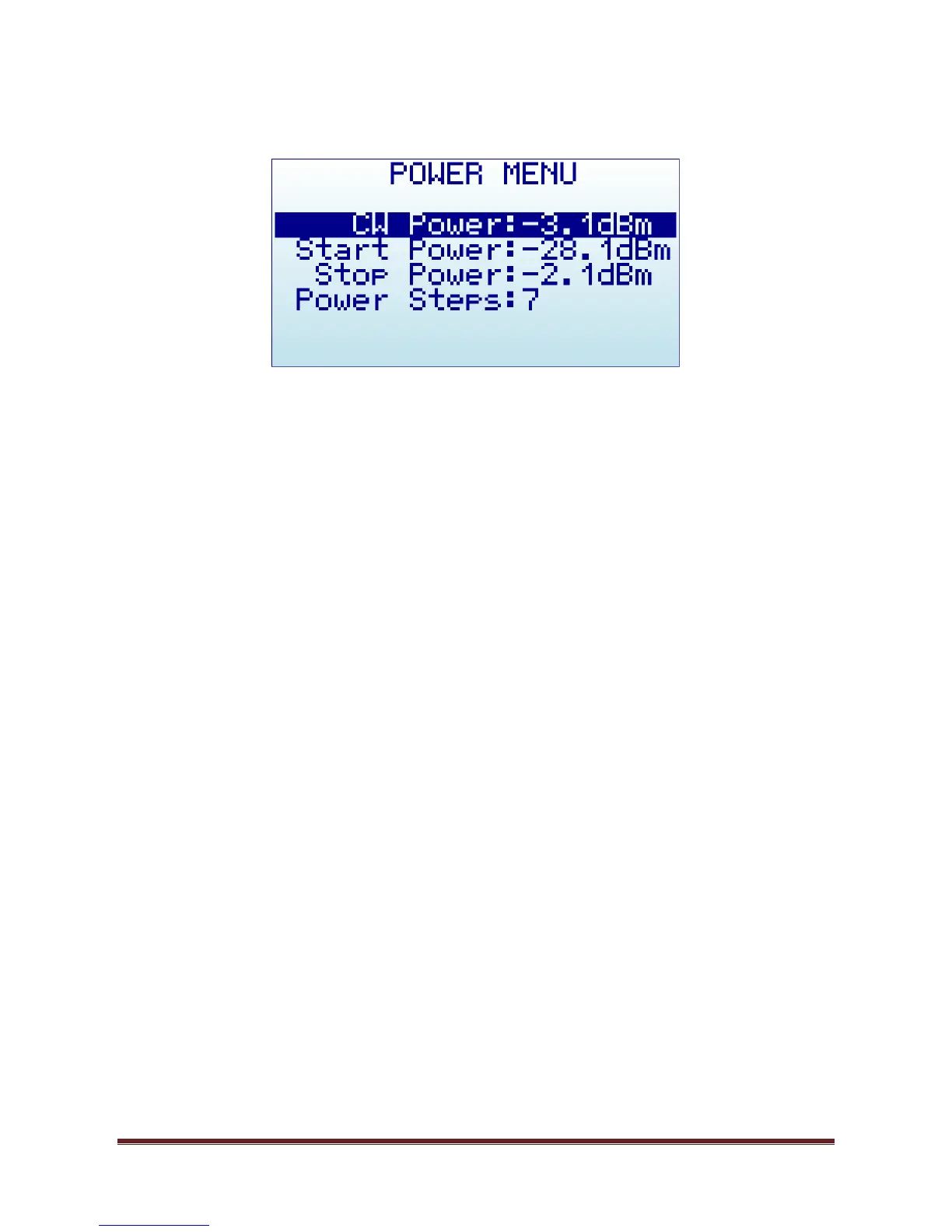
Power Menu
CW Power: Power level used for Generator CW mode and Frequency Sweep mode.
Start Power: Lower power level for Amplitude Sweep
Stop Power: Higher power level for Amplitude Sweep
Power Steps: number of steps used in Amplitude Sweep, automatically calculated based on
Start/Stop power settings.
To navigate through the menu, just use [Up] and [Down] keys to go to the option you want, then click on
[Enter] as many times as required to change the power value. The Power Steps setting is not editable
(automatically calculated).


 To Next Page