Silent Stay 1
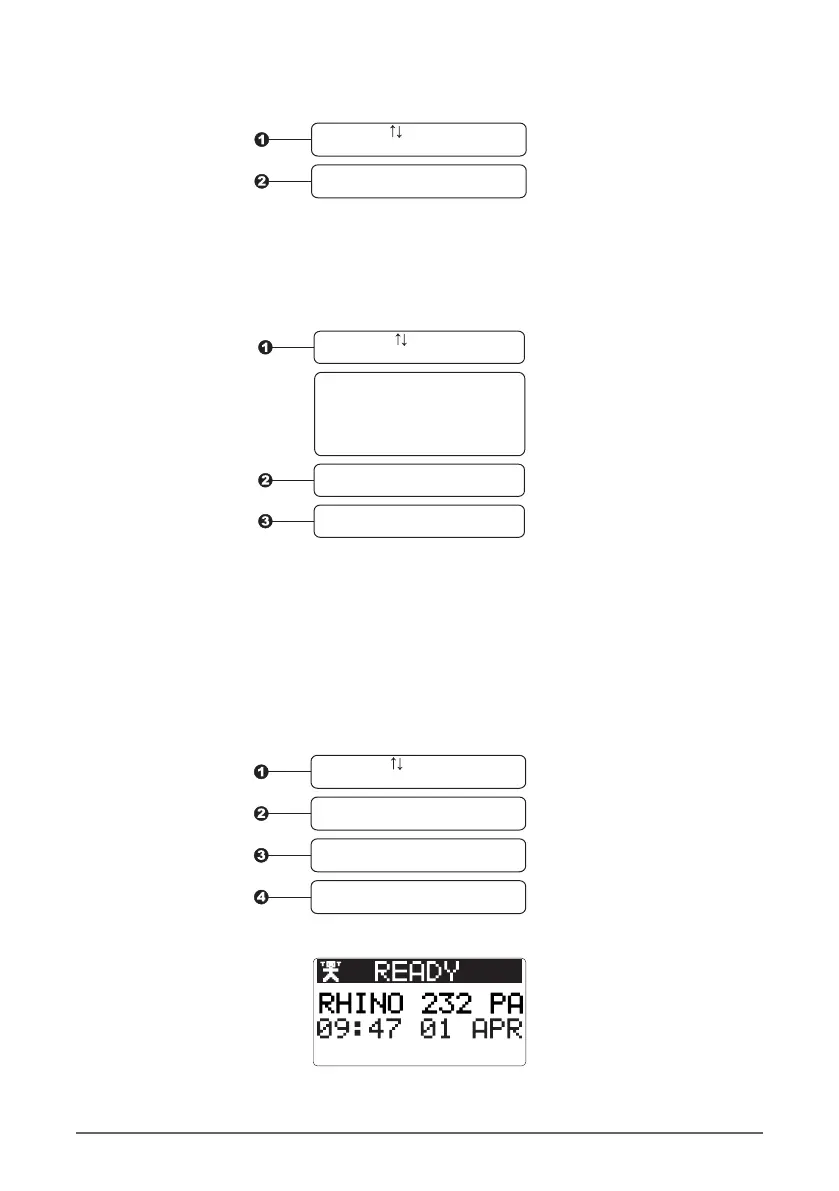
When the panel is armed in Stay 1 Mode, the keypad tones can be turned off. This can be
important if the panel is mounted in a bedroom or other quiet place. To make the keypad silent in
stay mode, do the following:
Use the keys to select
OFF or ON
When ON is selected, the
keypad will not make a
noise when it is armed
in stay mode
Press ENTER when done
Press ENTER to select
Silent Stay 2
Same as point 9 above, but stay arming on Stay 2 mode.
Walk Squawk
The walk squawk mode allows the owner to test all the sensors (e.g. PIR and door contacts) which
are used by the alarm panel. When the walk squawk is turned on, the panel will make a sound
when the zone is activated.
Use the keys to choose
walk squawk OFF or ON
Press ENTER to select
ON or OFF
Press ENTER to save the setting
Press CLEAR to exit the
Settings Menu
Minimum Keypad Brightness
This is the brightness of the keypad when it is not being used. The value can be set between 0 (off)
and 100 (brightest).
Use the keys to change
the volume
Press ENTER when done
16 Rhino 232 User Manual |


 To Next Page