User manual: Installation and Operation of Direction Finder System RHOTHETA RT-600 / SAR-DF 517
- 29 -
4.2 Display Control Unit
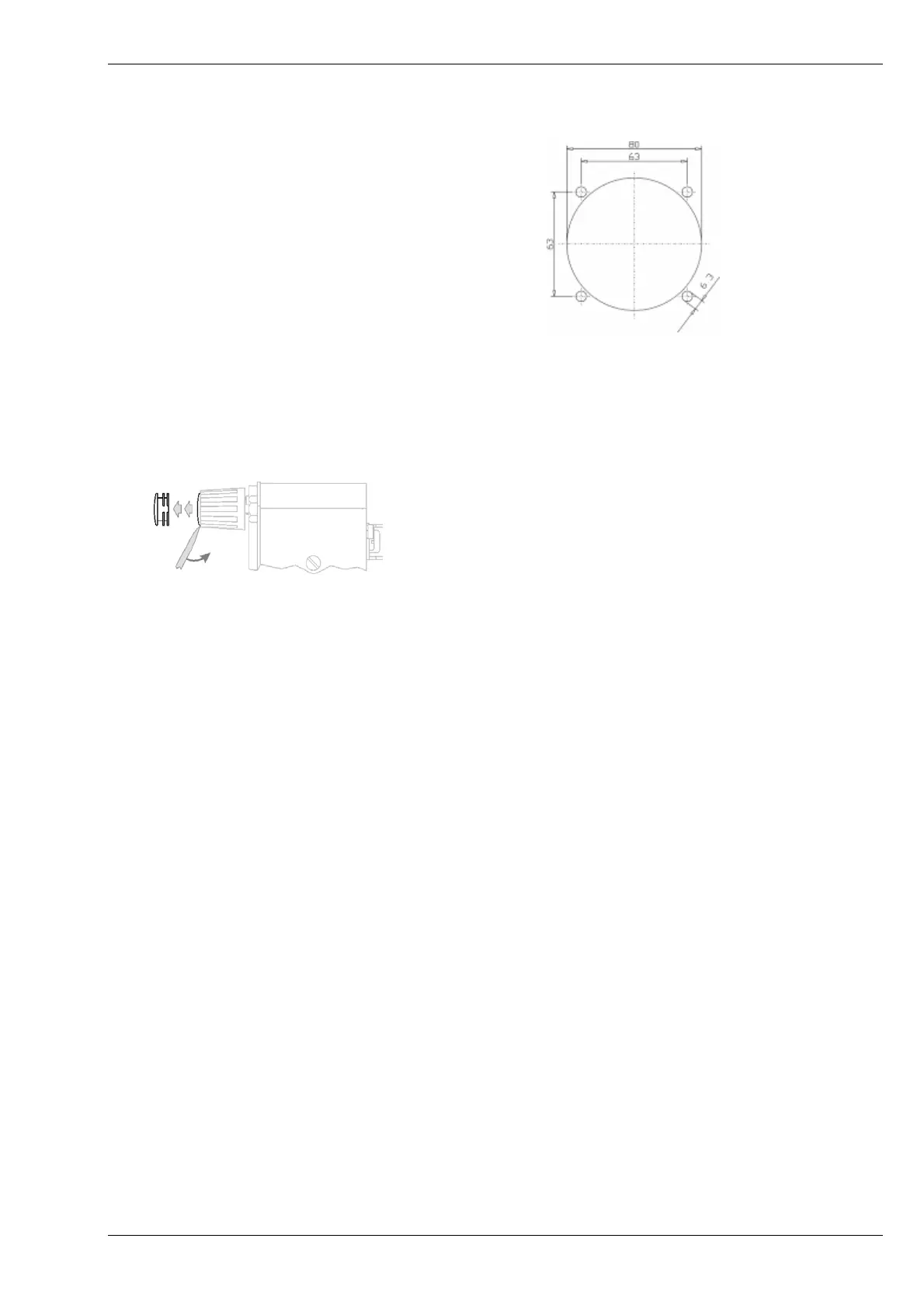
The display control unit may be
mounted into a front panel by the
means of this mounting drawing:
Mounting hole pattern for the display
To install or uninstall the display control unit, perform the following steps:
(
1) Remove the cover caps of the four rotary switches:
(2) Loose the screws visible below the position of the cover caps
(3) Remove the plastic button from the axis of the four rotary switches
(4) Mount / dismount the display control unit
(5) Re-install the plastic buttons on the axis of the four rotary switches
(6) Fix the screws so that the plastic buttons are fixed on the axis
(7) Re-install the cover caps on the four rotary switches



 To Next Page