35
FAULT SOLUTION
After having carried out the various connections and having supplied voltage, all the LEDS
are switched off.
Check the integrity of fuses F1 and F2.
In case of interrupted fuse use only of adequate value F2 = 5A F1 = 100mA.
The motor opens and closes, but it has no strength and moves slowly. Check trimmers TORQUE and LOW-SPEED adjustment.
The gate opens but does not close after the time set.
Ensure to have set DIP 3 at ON.
Button K BUTTON always inserted in automatic functioning mode (DIP 5 OFF).
Replace button or switch of the selector switch.
Failed edge self-test => check the connections between electronic board and edge feeder.
Attention: if not using a feeder for edges, DIP 12 must be at OFF position.
The gate does not open or close by activating the various OPEN, CLOSE, K and RADIO buttons. Faulty safety edge contact.
Faulty photocells contact with DIP 6 OFF.
Fix or replace the relative contact.
Motor with encoder (DIP n° 7 at ON) enabled.
The gate opens and closes only for brief intervals.
Check encoder connection and eventually replace.
By activating the K or CLOSE button the gate does not move. Impulse K or CLOSE always inserted.
Check and replace any buttons or micro-switches of the selector switch.
The slowing phase is not performed. Ensure that DIP 9 is at position OFF (slowing enabled).
Learn the times through procedure from DIP 2.
Check trimmer LOW-SPEED adjustment.
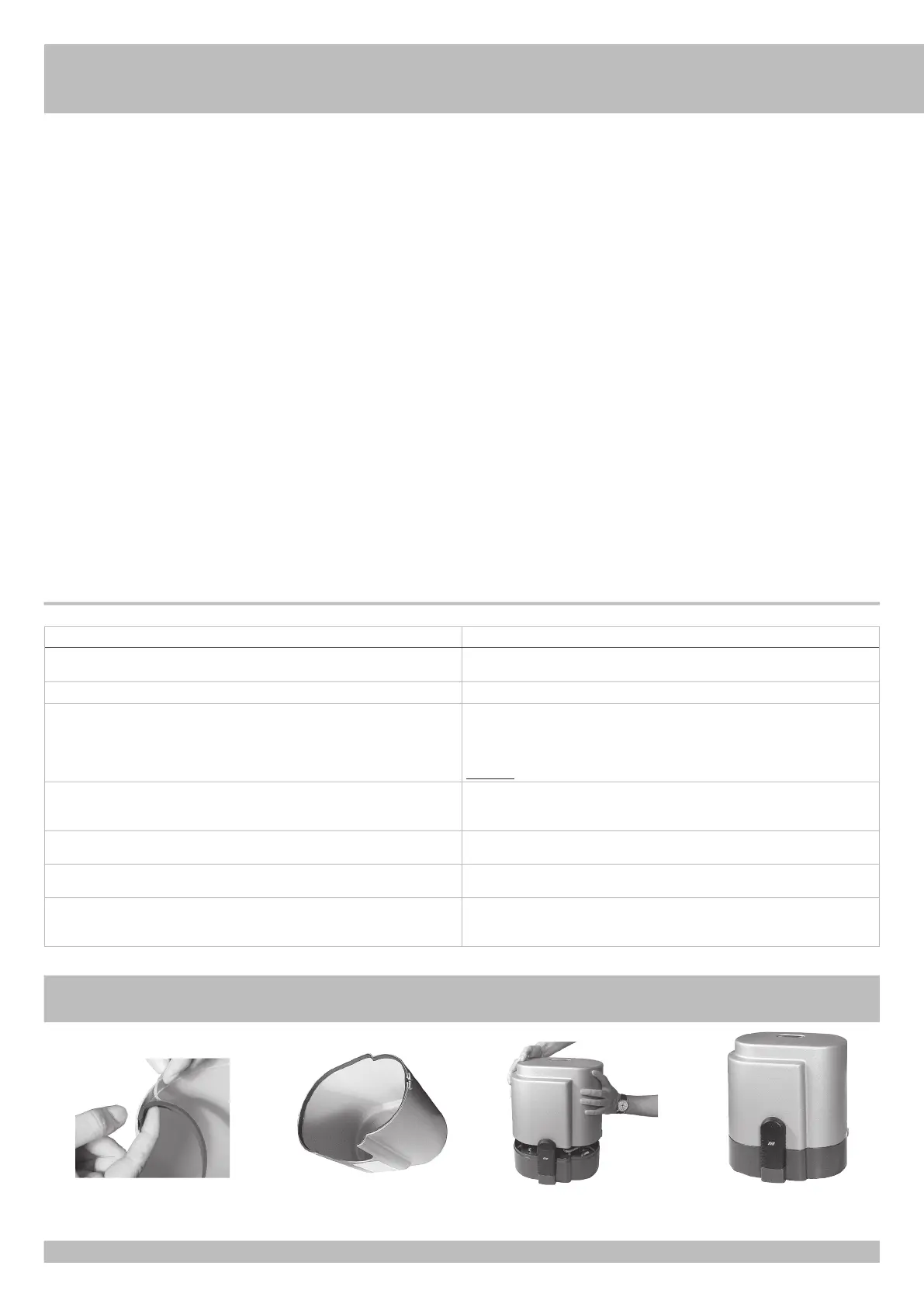
Fit the gasket
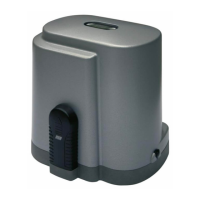
The gasket is fitted
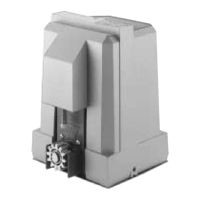
Motor ready
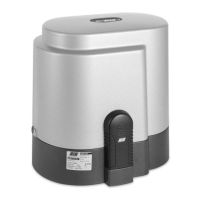
Close the case
FINAL OPERATION - The gasket shall be fitted only at the end of the installation, before you mount the case.
G
B
TROUBLE SHOOTING
After having carried out all connections, by carefully following the layout and having
positioned the gate in intermediate position, check the correct ignition of LEDS DL2, DL3,
DL4, DL5, DL8.
In case of no ignition of the LEDS, always with gate in intermediate position, check the
following and replace any faulty components.
DL2 switched off Faulty Stop button
DL3 switched off Faulty opening limit switch
DL4 switched off Faulty closing limit switch
DL5 switched off Faulty photocells
DL8 switched off Faulty safety edge (In case the edge is not connected, carry out
jumper between COM and EDGE)
During functioning with personnel present, with DIP 1 at ON, check that during opening the
green DL6 LED switches on and that during closing the red DL7 LED switches on. If not, invert
clamps V and W on the motor terminal board.


 To Next Page