Introduction 1
About This Manual
This manual is intended for use by service technicians
responsible for installing the BCD option in
920i
®
digital weight indicators.
This manual applies to indicators using Version 1.04
of the
920i software.
Some procedures described in this manual
require work inside the indicator enclosure.
These procedures are to be performed by
qualified service personnel only.
1.0 Introduction
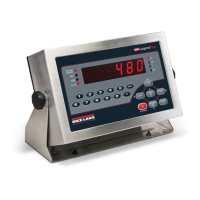
The BCD interface is used with 520 digital weight indicators to send weight and status information to remote
displays, printers and other peripheral devices. The data is updated after each display update and continuously
available for use.
The BCD interface option is CMOS, NMOS, and TTL compatible. BCD outputs are capable of sourcing/sinking
20mA.
The BCD option comes with a BCD interface option card and ribbon cable. An external port provides for
connection of a DB-37 interface cable (which exits the back of the 520) for communication to a peripheral
device. See the 520 Installation Manual (PN 68973) for proper connections on the 520 CPU board.
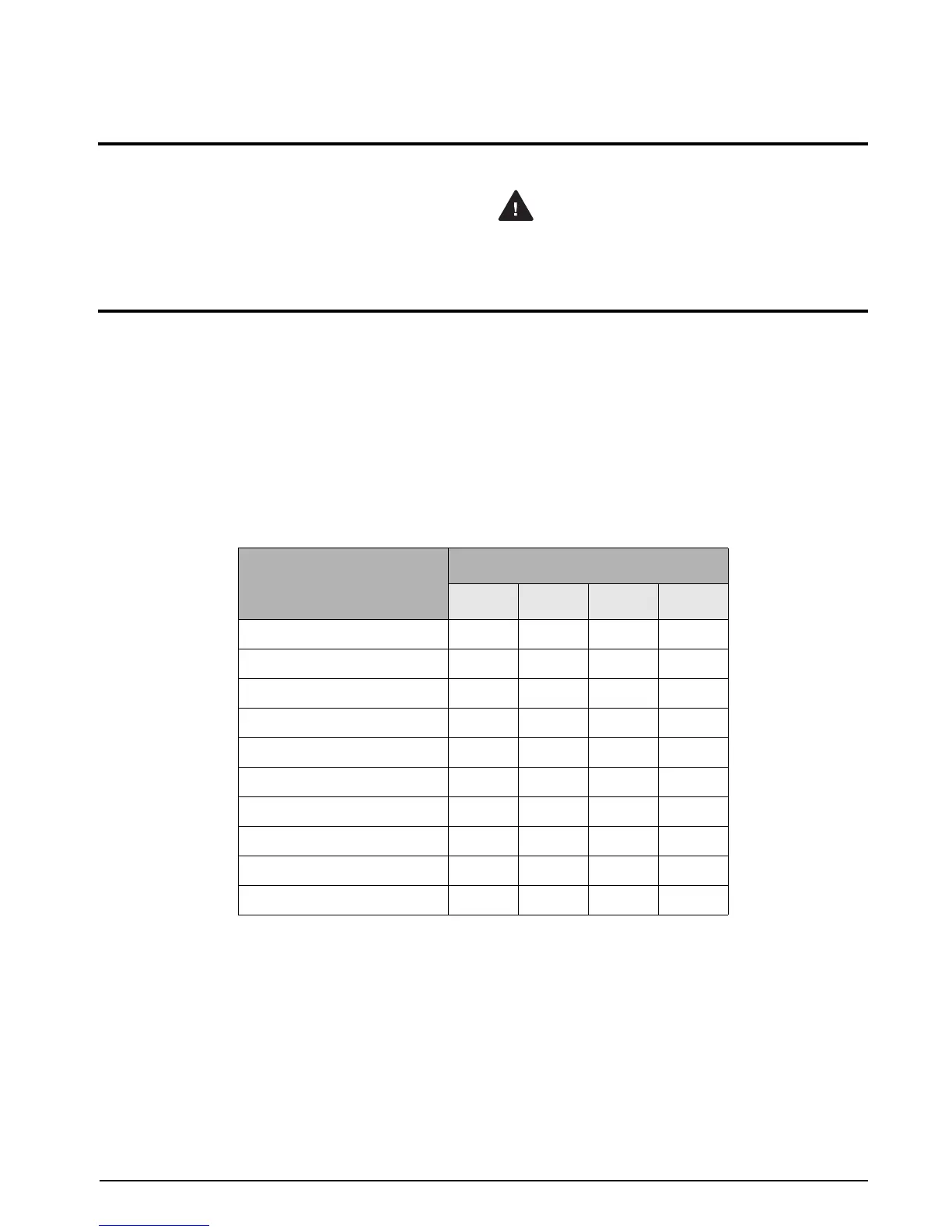
The BCD (binary-coded decimal) option uses a straight assignment of the binary equivalent. The weights of the
BCD code are 8, 4, 2, and 1. See
Table 1-1 for decimal to binary conversion.
Decimal Digit
BCD
8 4 2 1
0 0 0 0 0
1 0 0 0 1
2 0 0 1 0
3 0 0 1 1
4 0 1 0 0
5 0 1 0 1
6 0 1 1 0
7 0 1 1 1
8 1 0 0 0
9 1 0 0 1
Table 1-1. Decimal to Binary Conversion



 To Next Page