Specifications
168
9
E
EE
E
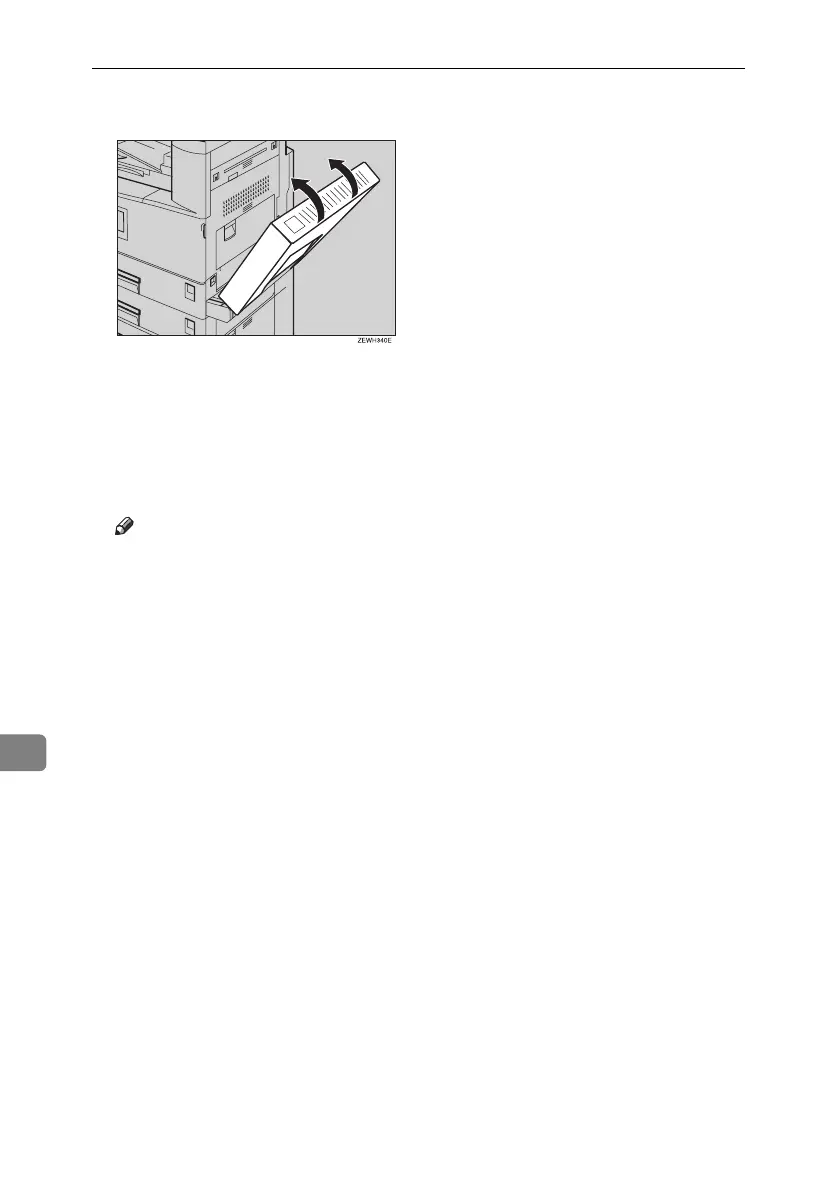
If the duplex unit is installed, close it.
F
FF
F
Press the {
{{
{#}
}}
} key.
G
GG
G
Select the paper size, and then select [Thick Paper] for the paper type.
H
HH
H
Press [OK].
I
II
I
Place your originals, and then press the {
{{
{Start}
}}
} key.
Note
❒ When copying onto OHP transparencies, remove copies one by one.
❒ When setting OHP transparencies, thin paper or label paper (adhesive la-
bels), Staple, Shift or Sort function may not be used.
J
JJ
J
When your copy job is finished, press the {
{{
{Clear Modes}
}}
} key to clear the set-
tings.
RussianC3_ENgsg-F_FM.book Page 168 Monday, June 16, 2003 6:48 PM




 To Next Page