Settings You Can Change with User Tools
53
4
❖
❖❖
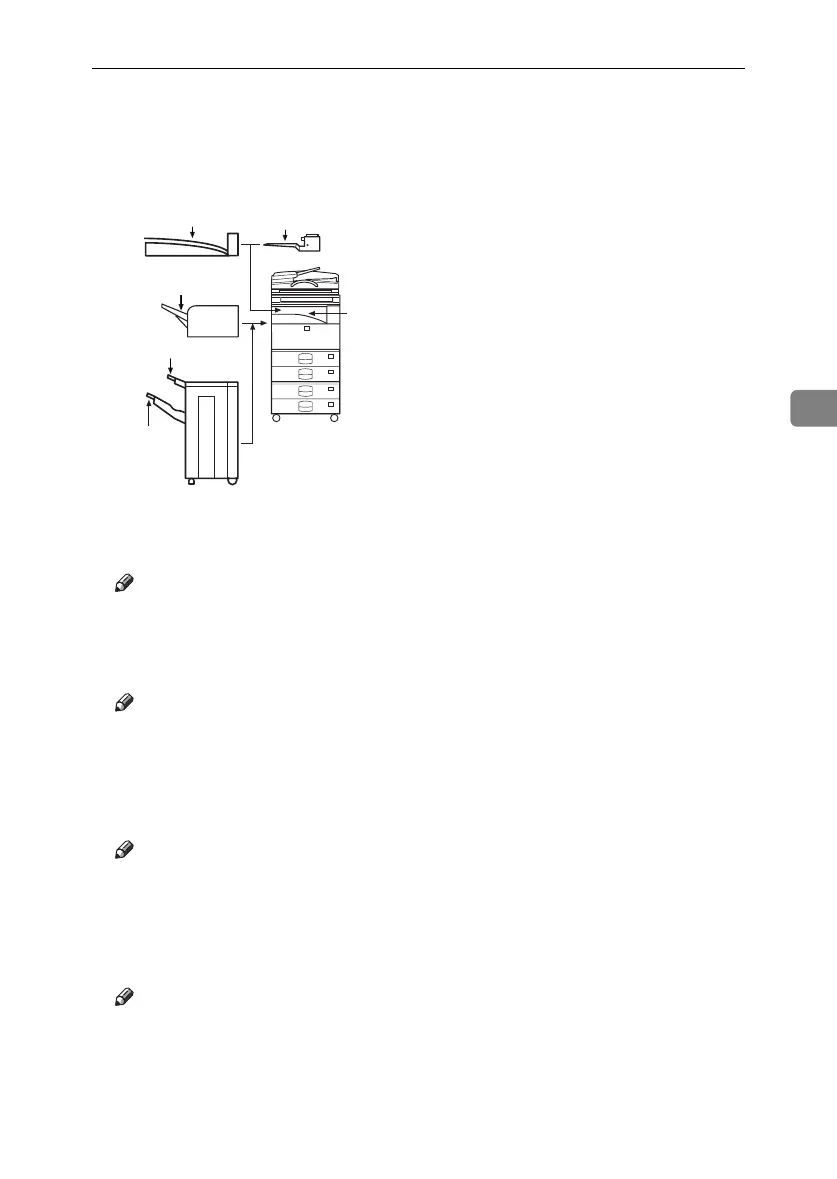
❖ Output: Copier (copier)
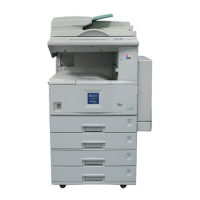
You can specify a tray to which documents are delivered.
1.
Internal Tray 1
2.
Internal Tray 2
3.
Finisher Upper Tray
4.
Finisher Shift Tray
Note
❒ Default: Internal Tray 1
❖
❖❖
❖ Output: Document Server (Document Server)
You can specify a tray to which documents are delivered.
Note
❒ Default: Internal Tray 1
❒ For details about output trays, see p.53 “Output: Copier (copier)”.
❖
❖❖
❖ Output: Facsimile (facsimile)
You can specify a tray to which documents are delivered.
Note
❒ Default: Internal Tray 2
❒ For details about output trays, see p.53 “Output: Copier (copier)”.
❖
❖❖
❖ Output: Printer (printer)
You can specify a tray to which documents are delivered.
Note
❒ Default: Internal Tray 1
❒ The output trays set on the printer driver have priority over the output tray
specified above.
❒ For details about output trays, see p.53 “Output: Copier (copier)”.
ZLFH150E
2
1
3
4
4
1
RussianC3_ENgsg-F_FM.book Page 53 Monday, June 16, 2003 6:48 PM






 To Next Page