Appendix
64
6
*1
To use NetBEUI, use the SmartNetMonitor for Client port.
Options
Limitation
❒ Only one optional interface board can be installed in the machine at a time.
Therefore, the optional IEEE 1394 interface board, the optional 802.11b inter-
face kit (wireless LAN board) and the optional USB 2.0 Interface board cannot
be installed in the machine simultaneously.
IEEE 1394 Interface Board Type A
❖
❖❖
❖ Transmission spec.:
IEEE 1394
❖
❖❖
❖ Interface:
IEEE std 1394-1995 compliant
IEEE std 1394a-2000 compliant
❖
❖❖
❖ Device class:
SCSI print (Windows 2000, Windows XP)
IP over 1394 (Windows Me, Windows XP)
❖
❖❖
❖ Protocol:
SBP-2 (SCSI print)
TCP/IP (IP over 1394)
❖
❖❖
❖ Interface connector:
IEEE 1394 (6 pin × 2)
❖
❖❖
❖ Required cable:
1394 interface cable (6 pin x 4 pin, 6 pin x 6 pin)
Important
❒ You cannot plug devices together to create loops.
❒ Do not use a cable more than 4.5 meters long.
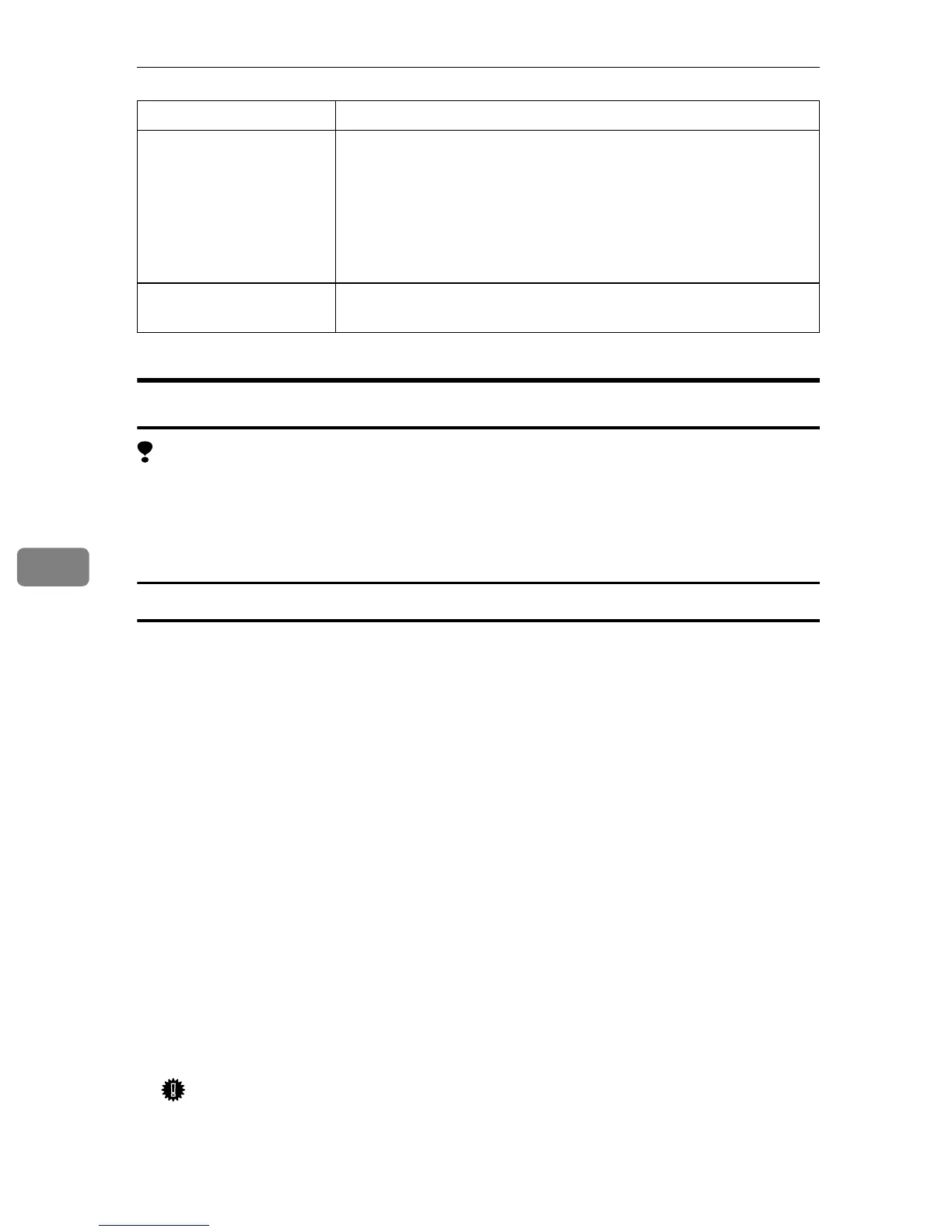
Operating systems sup-
ported by this machine
Windows 95/98/Me
Windows 2000
Windows XP
Windows NT 4.0
Mac OS 8.6 to 9.2
Mac OS X
Network cable 100BASE-TX/10BASE-T shielded twisted-pair (STP, Catego-
ry/Type5) cable.
Component Specifications



 To Next Page