EasyManua.ls Logo

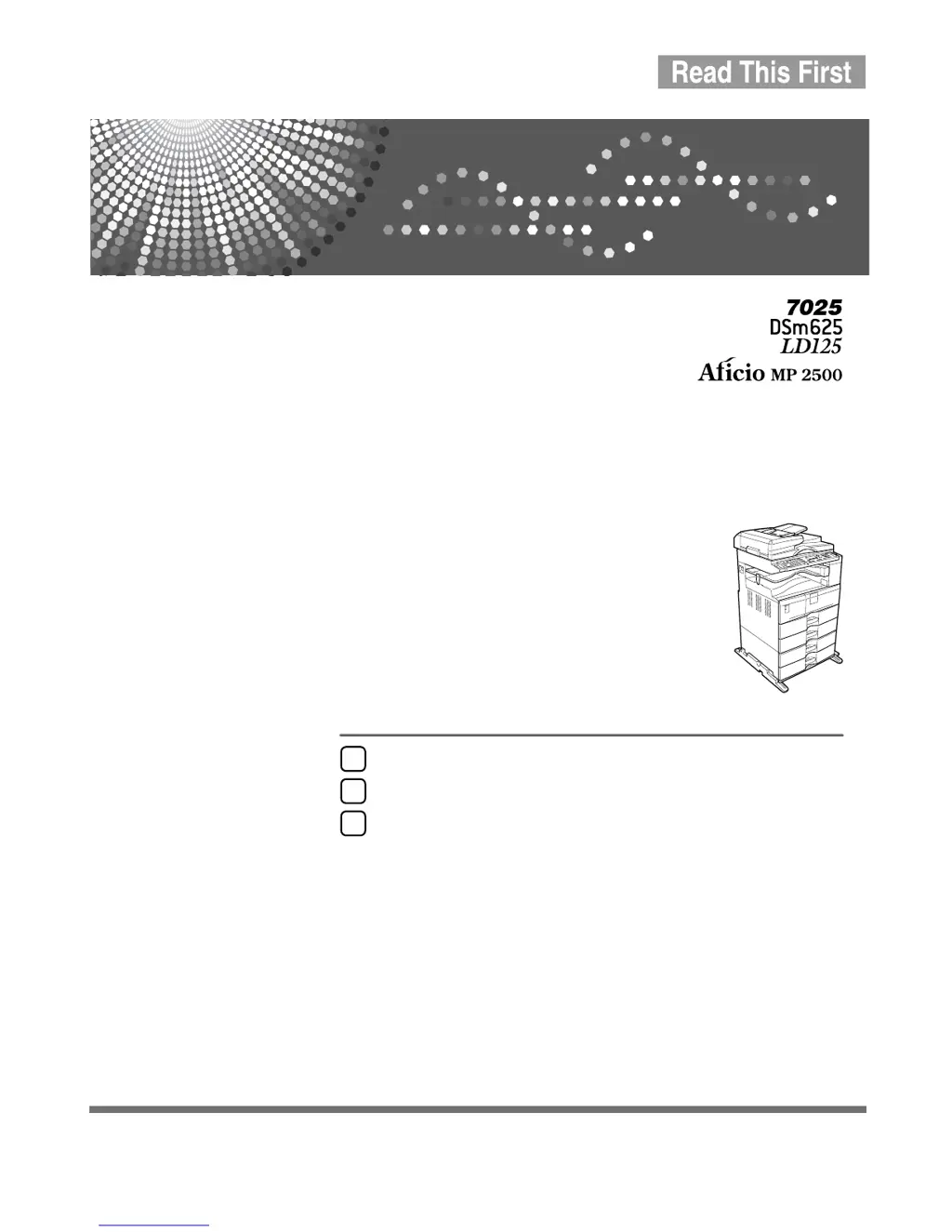
Ricoh 7025 - User Manual

Ricoh 7025
452 pages
Print Icon
To Next Page IconTo Next Page
Loading...
Operating Instructions
About This Machine
Read this manual carefully before you use this machine and keep it handy for future reference. For safe and correct use, be sure to read the
Safety Information in this manual before using the machine.
Getting Started
Entering Text
Appendix
1
2
3

Table of Contents

Other manuals for Ricoh 7025

Questions and Answers

  • S
    Scott ConradSep 2, 2025
    Why Ricoh 7025 cannot duplex scan this length of original?
    • P
      Paul FlynnSep 2, 2025
      Your Ricoh All in One Printer cannot duplex scan an original of this length because the specified custom length is not available for duplex printing from the ARDF. Do not place originals that are longer than 432 mm (17.0" ).
  • L
    Loretta RodriguezAug 31, 2025
    Why Ricoh 7025 All in One Printer cannot duplex with this tray?
    • M
      Mark AbbottAug 31, 2025
      Your Ricoh All in One Printer cannot perform duplex printing with the selected tray because a paper type incompatible with the Duplex function has been selected. The thick paper is not available for the Duplex function. Specify another paper type.
  • M
    Mark DiazAug 29, 2025
    Why Ricoh 7025 cannot staple thick paper?
    • C
      cliAug 29, 2025
      Your Ricoh All in One Printer cannot staple thick paper because the selected paper type is not compatible with the staple function. Specify another paper type that is suitable for stapling.
  • B
    Bailey SellersAug 27, 2025
    How to fix Ricoh 7025 when image not fully copied?
    • S
      Stephanie VegaAug 27, 2025
      If the image is not fully copied on your Ricoh All in One Printer, it may be because the current [Auto R/E] setting does not allow the entire image to be copied. Try making an alternative [Auto R/E] setting.
  • B
    Bradley CookAug 26, 2025
    Why does my Ricoh 7025 say privileges are required?
    • C
      Cindy GonzalezAug 26, 2025
      If your Ricoh All in One Printer indicates that privileges are required to use a function, it means that the function is restricted to authenticated users only. Contact the administrator to gain the necessary privileges.
  • J
    Jason CookAug 25, 2025
    What to do if authentication failed on Ricoh All in One Printer?
    • M
      Melissa MillerAug 25, 2025
      If authentication failed on your Ricoh All in One Printer, it could be due to a couple of reasons. One reason is that the login user name or password entered is incorrect; in this case, ask the administrator for the correct login information. Another reason might be an issue accessing the authentication server; if this is the case, contact the administrator.
  • M
    Mariah BrockAug 22, 2025
    How to fix Ricoh 7025 All in One Printer when it cannot detect original size?
    • J
      Janet MillerAug 22, 2025
      If your Ricoh All in One Printer cannot detect the original size, it might be due to improper placement of the original. Here are a few things to try: * Select paper manually instead of using the Auto Paper Select function, and avoid using the Auto Reduce/Enlarge function. * Manually input both the horizontal and vertical sizes of the non-standard original. * Place the original directly on the exposure glass.

Ricoh 7025 Specifications

General IconGeneral
BrandRicoh
Model7025
CategoryAll in One Printer
LanguageEnglish

Related product manuals