5. Use a soft cloth moistened with water to clean the covers and panels.
Important:
Do not use commercial cleaners that might contain ammonia, solvents, or other
volatile chemicals. The vapors from these cleaners can cause chemical reactions
that reduce print quality.
6. Power on the printer.
7. Load forms into the printer, if necessary.
This step is not required if you did not unload forms before you started this
procedure.
8. Enable the protocol, if necessary.
Related information:
“About the developer” on page 10
“About the power control panel” on page 29
“Loading forms” on page 69
“Loading special forms” on page 116
“Enabling and disabling protocols” on page 52
Adding fuser oil
Before you begin
You need the following items when you add fuser oil:
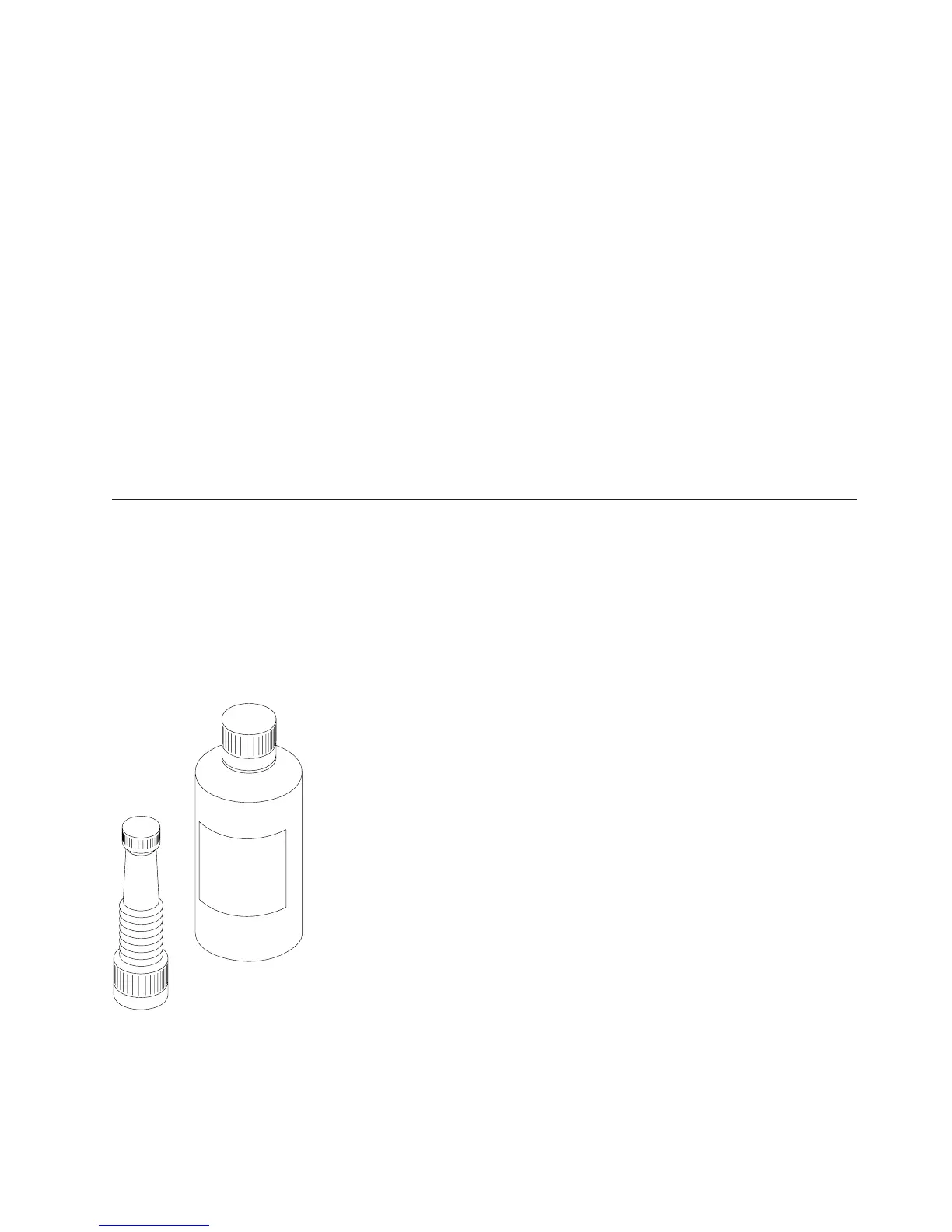
v Fuser oil bottle
v Plastic spout (packaged with the oil)
v Paper towels
About this task
Procedure:
R4CO0001
Figure 102. Fuser oil bottle and plastic spout
Chapter 7. Cleaning and Servicing the printer 279




 To Next Page