EasyManua.ls Logo

Ricoh MP W7100 - User Manual

Ricoh MP W7100
32 pages
Print Icon
To Next Page IconTo Next Page
Loading...
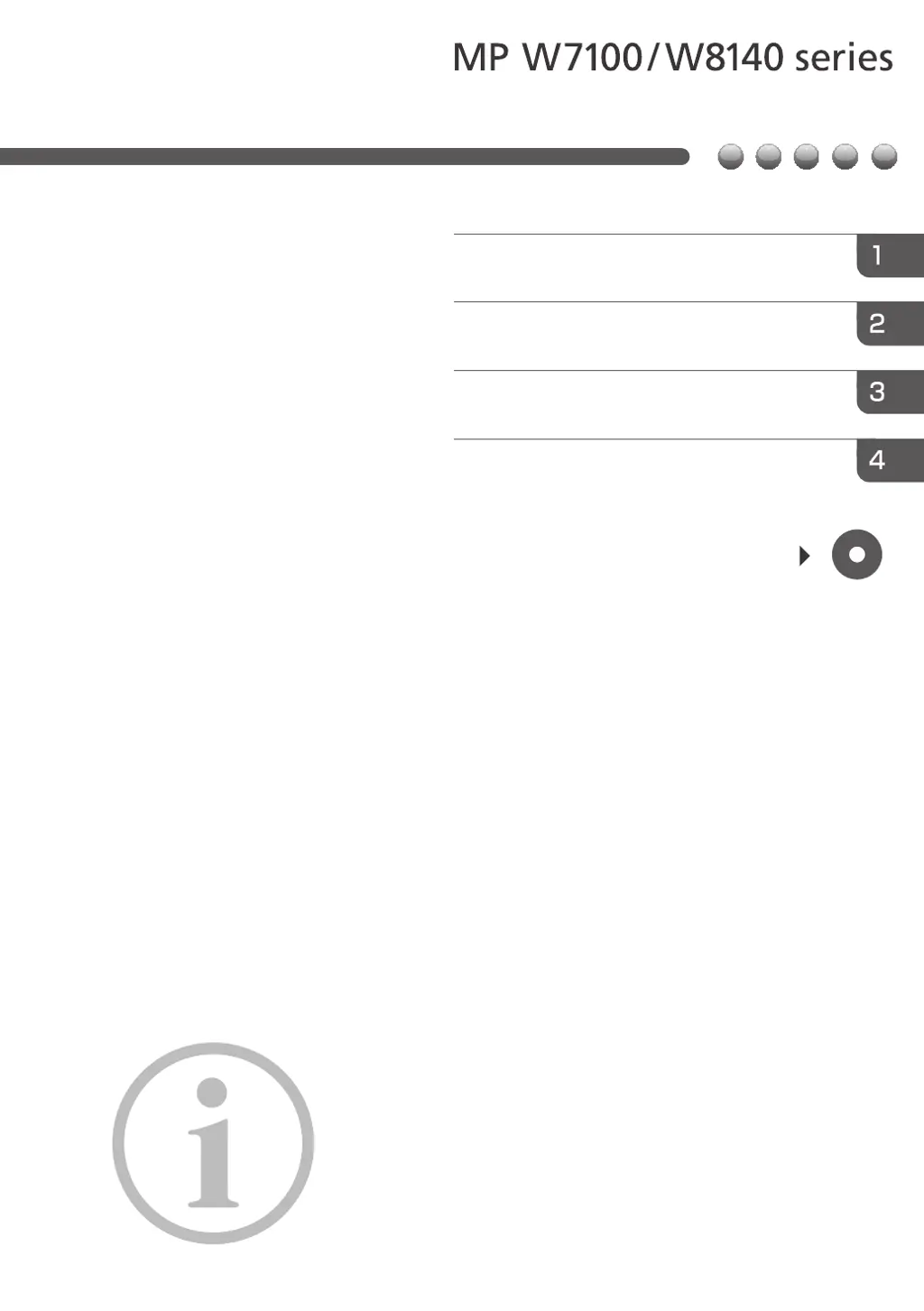
Read this manual carefully before you use this machine and keep
it handy for future reference. For safe and correct use, be sure to
read the Safety Information in this manual before using the
machine.
For information not in this manual, refer to
the HTML/PDF files on the supplied
CD-ROM.
Appendix
Other Information for This Machine
Safety Information for This Machine
Manuals Provided with This Machine
Read This First

Questions and Answers

  • J
    james75Sep 6, 2025
    What to do if misfeeds occur frequently on Ricoh MP W7100?
    • B
      Brittany ParkSep 6, 2025
      If misfeeds occur frequently, check for a foreign object on the output tray. Remove the misfed paper and do not place anything on the output tray.
  • T
    tinayangAug 22, 2025
    Why does my Ricoh MP W7100 misfeed frequently?
    • S
      Stephanie BrownAug 22, 2025
      Misfeeds can occur frequently if you are using curled paper. To resolve this: * Flatten the paper with your hands to straighten out the curl. * Load the paper upside down so that the curled edges face downward. * Place cut paper on a flat surface to prevent paper from curling, and do not lean it against the wall.
  • L
    Lawrence BuckleySep 4, 2025
    Why are items missing from the User Tools menu on my Ricoh MP W7100 Printer?
    • J
      Joe RoweSep 4, 2025
      If the Ricoh printer has just been turned on and the User Tools screen is displayed, but the User Tools menu has items missing, it means that functions other than the copier function are not yet ready. Wait a little longer; functions will appear in the User Tools menu when they are ready for use.
  • F
    fkingSep 2, 2025
    Why does only the copier icon appear on my Ricoh MP W7100 screen?
    • H
      Hector JohnsonSep 2, 2025
      When the Ricoh printer is turned on, and the only icon that appears on the home screen is the [Copier] icon, it indicates that functions other than the copier function are not yet ready. Wait a little longer.
  • M
    Maria JonesSep 1, 2025
    What to do if Ricoh MP W7100 won't turn off?
    • S
      Sarah RodriguezSep 1, 2025
      If the machine does not turn off in 3 minutes after the main power is turned off, it means that the machine cannot perform the shutdown procedure. Repeat the shutdown procedure. If the machine still does not turn off, disconnect the machine's power cord from the wall outlet.
  • A
    Ashley RussellAug 30, 2025
    Why is my Ricoh MP W7100 printing on the wrong side of the paper?
    • M
      margaret96Aug 30, 2025
      Original images are printed on the reverse side of the paper because the paper may have been loaded incorrectly. Ensure you load the paper correctly.
  • M
    michael23Aug 29, 2025
    Why does my Ricoh MP W7100 show the user code entry screen?
    • R
      rodriguezstephanieAug 29, 2025
      The user code entry screen is displayed because users are restricted by User Code Authentication.
  • S
    susanjonesAug 27, 2025
    Why does the Authentication screen appear on my Ricoh MP W7100 Printer?
    • N
      Nathan LewisAug 28, 2025
      This occurs because Basic Authentication, Windows Authentication or LDAP Authentication is set. Enter your login user name and user password to proceed.
  • J
    Jacob GallagherAug 27, 2025
    Why is the display turned off on my Ricoh Printer?
    • B
      Bradley MyersAug 27, 2025
      The display is turned off because the Ricoh printer is in Sleep mode. Press the [Energy Saver] key or the [Check Status] key to exit Sleep mode.
  • C
    Charles CrawfordAug 25, 2025
    What to do if Ricoh Printer shows error after removing jammed paper?
    • R
      richard92Aug 26, 2025
      If an error message continues to appear even after removing the misfed paper, it indicates that paper is still jammed in the tray. Remove the jammed paper by following the procedures displayed on the control panel.

Ricoh MP W7100 Specifications

General IconGeneral
BrandRicoh
ModelMP W7100
CategoryPrinter
LanguageEnglish

Related product manuals