Print List/Report
Printing the Configuration Page
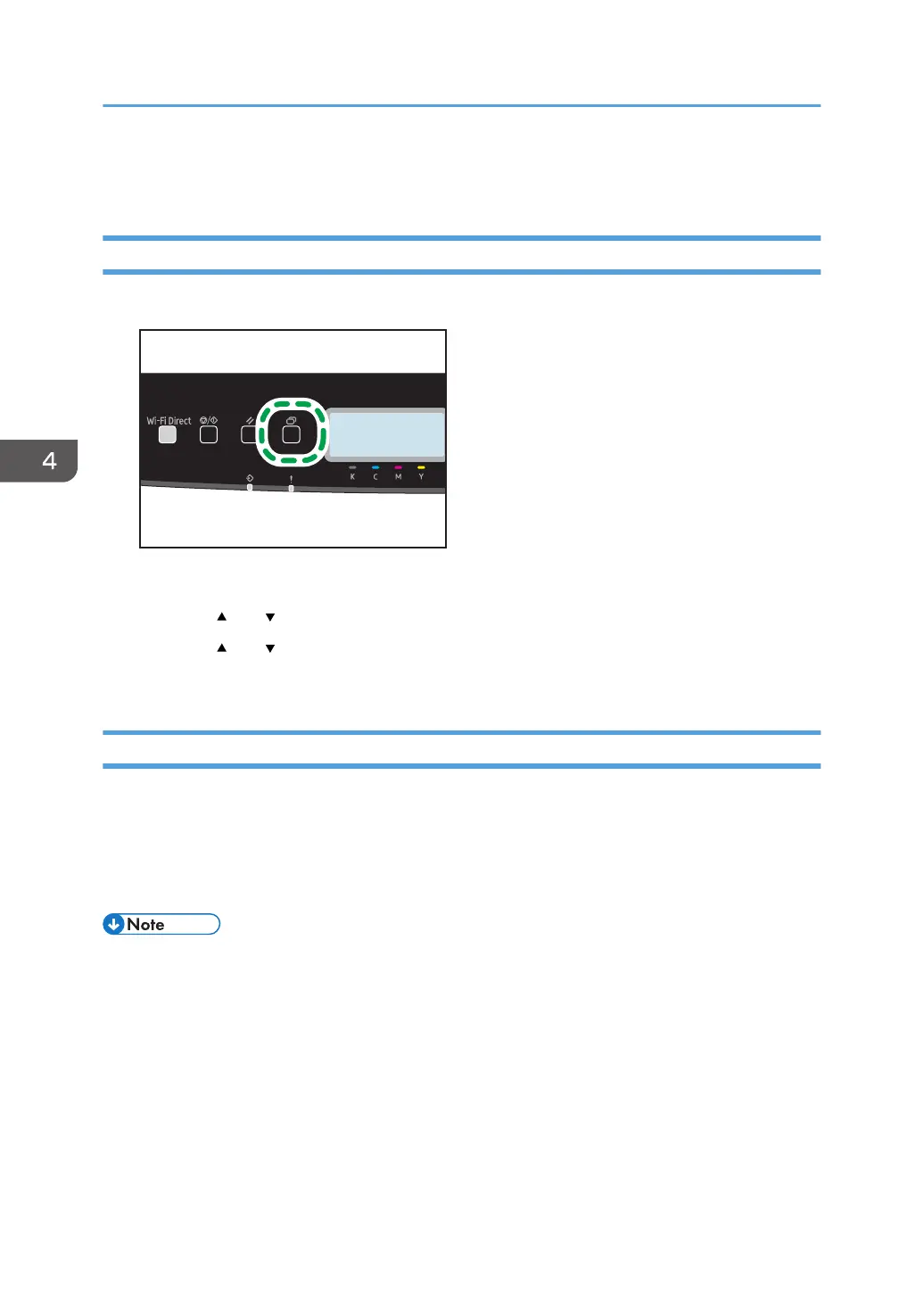
1. Press the [Menu] key.
The menu screen appears.
2. Press the [ ] or [ ] key to select [Print List/Report], and then press the [OK] key.
3. Press the [ ] or [ ] key to select [Configuration Page], and then press the [OK] key twice.
The configuration page is printed. The [Print List/Report] screen appears on completion of printing.
Types of Lists/Reports
Configuration Page
Prints general information and the current configurations of the printer.
Maintenance Page
Prints the maintenance page.
• The lists will be printed using the tray set for [Paper Tray Priority] in paper input settings on A4 or
Letter size paper.
4. Configuring the Machine Using the Control Panel
88



 To Next Page
 Loading...