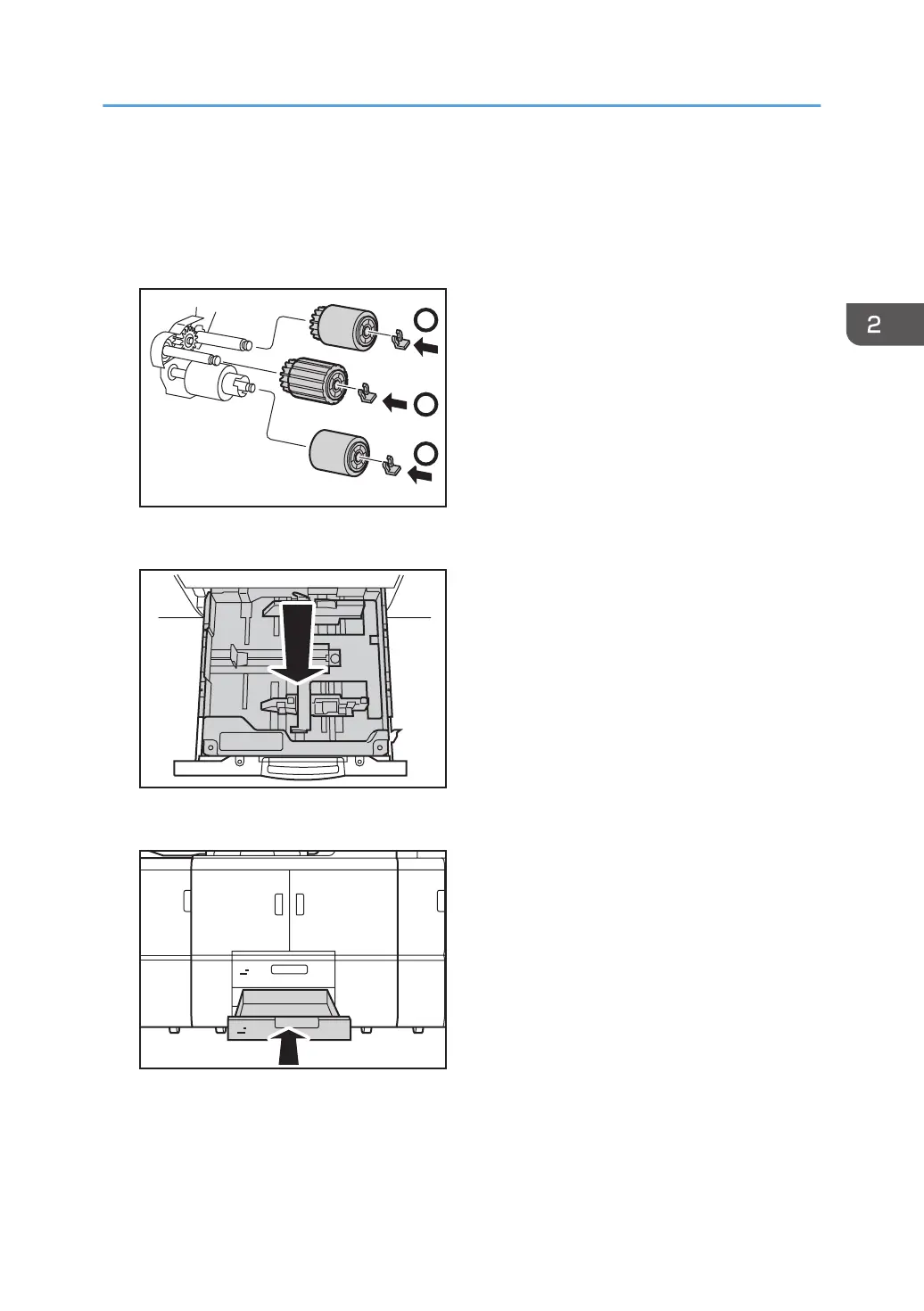
4. Attach the new paper feed roller in the following order:
(1) Separation roller and snap ring
(2) Feed roller and snap ring
(3) Pick-up roller and snap ring
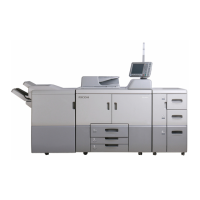
5. Mount the inner tray.
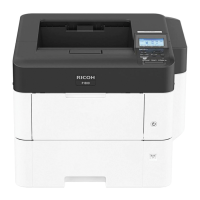
6. Push the tray back into the machine.
7. Reset the counter for replaceable parts.
Do not turn the machine on until you have read how to do so.
See page 22 "Resetting the Replaceable Parts Counter".
Replacing the Rollers in Tray 2/3
39




 To Next Page